Category: Blog

Default Carterpix blog

  • Run for the roses

    Run for the roses

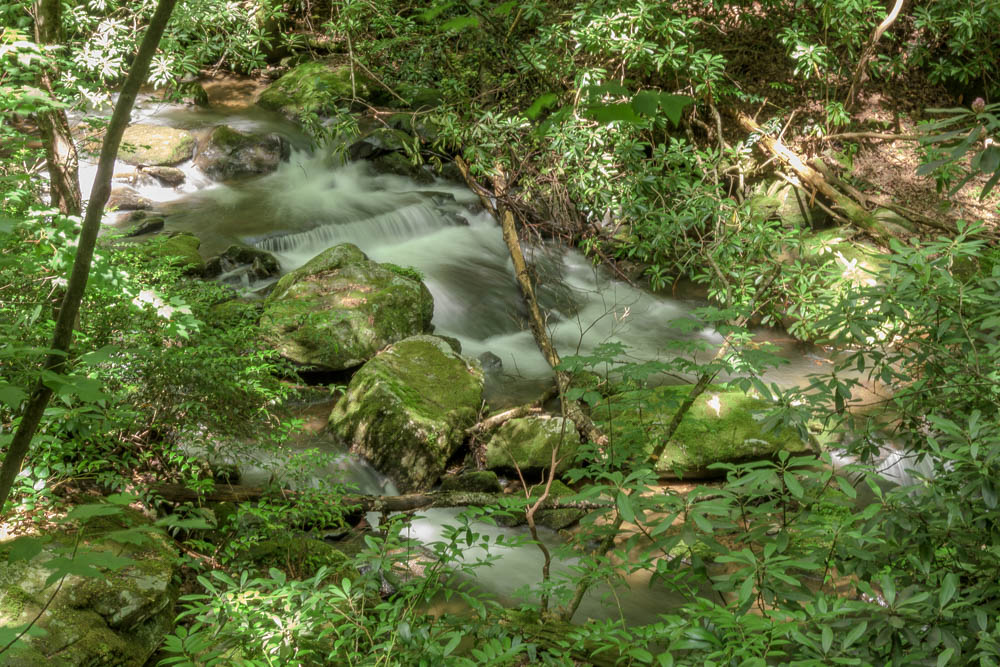
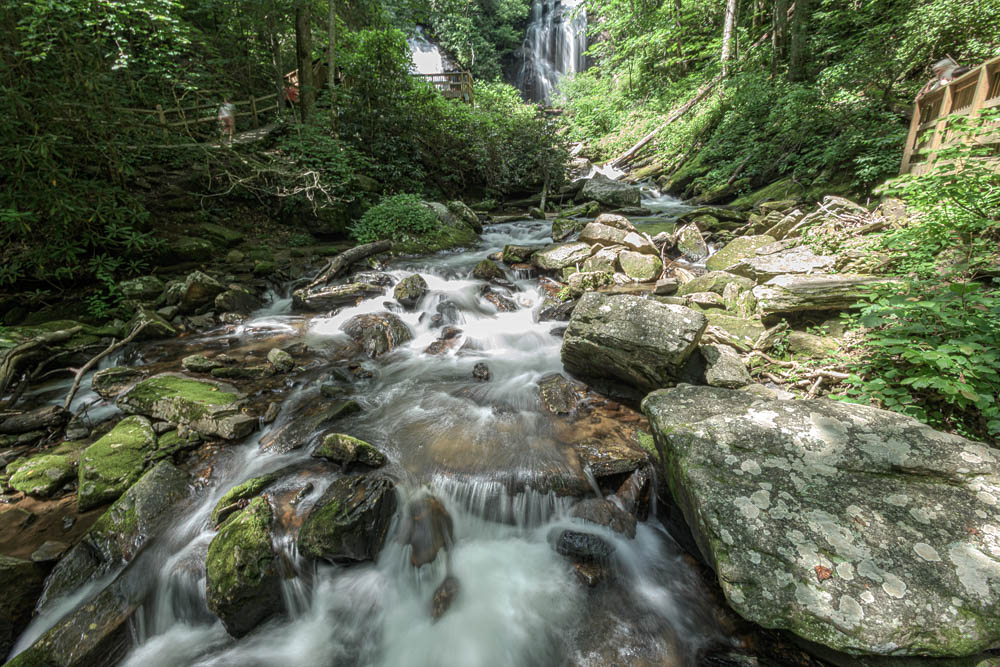
    That’s a Jerry Garcia song, “Run for the Roses.” A great song in my humble opinion. What does that have to do with this nature landscape photograph? Directly there is no connection between the two. This is simply a song that popped in my head just as I was trying to think of a title for today’s post. Of course I opened up my iTunes and played it a couple times. It’s been a long while since I listened to this really good stuff, from a really good place at a time I needed to hear it. I draw much of my inspiration in my life from Jerry and the rest of the boys, and their shenanigans. But what does that have to do with the picture of the stream?

    I’ve decided to only post this one picture today. The last several posts have been exposures from this same batch, and I’ve shown several variations of each, and tried to explain them a little at least. I don’t much expect, if I’m being honest with myself, that I’ll be going back to compare notes of them ever again.

    I have decided with this exposure to only post the edit I like most, at least at this point in time, instead of some sort of pick-a-pic format. Single pictures are the thing. No body puts up multiple choices for the same thing for you to pick unless there is a profit in it, and then the choices have to be created from totally different perspectives. Think of the broadcast and NEWS industry. You can have anywhere from one to thousands of different views of the same event. But the point I’m really trying to make is that when you go to any web page there is only one image like itself displayed unless there are extenuating circumstances. One logo, one photo of the CEO, one photo of the hamburger, one photo of the award winning photo. I know and, if you’ve been paying attention, you also know, the “artist” of each probably struggled which version of which exposure to choose. In the end they had to choose. It’s difficult to choose what you want sometimes.

    Well that is how the song “Run for the Roses” came to me. I have to choose the one that you see. My doubts and insecurity will always have me thinking “it could be better” because it could. But what is better anyway? Once you get past the basic technical know-how, photography comes down to the situation as it is in the moment, the 1/250th of a second and the choices that lead you there. Sometimes it’s perfect. Sometimes life blinks at the very instant the shutter shuts.

    So I have to just throw it on the wall and see if it sticks, so to speak. Run for the roses…
  • A little before and after

    A little before and after

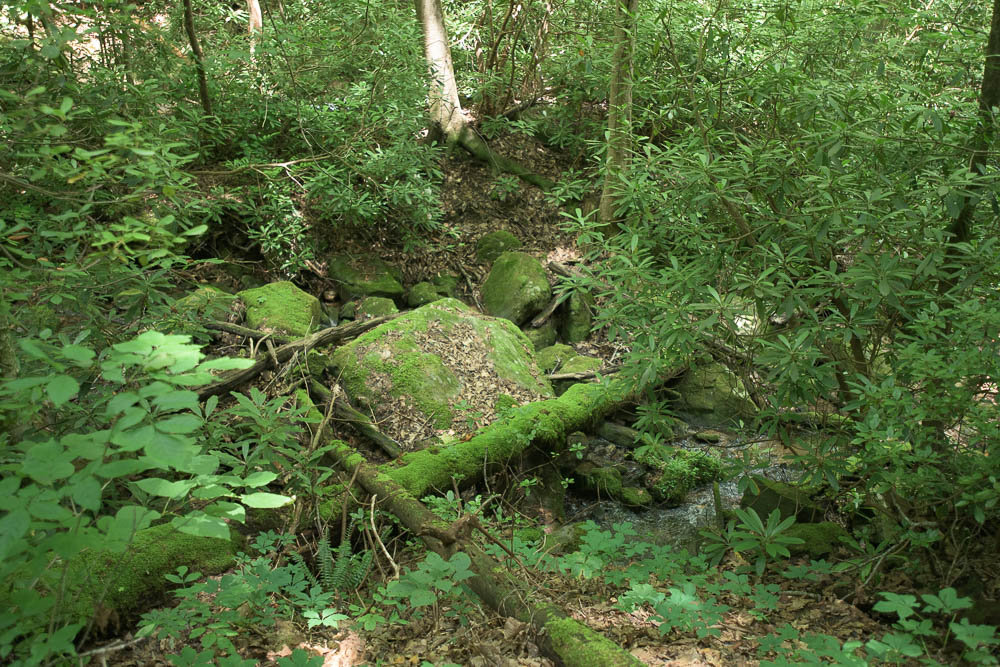
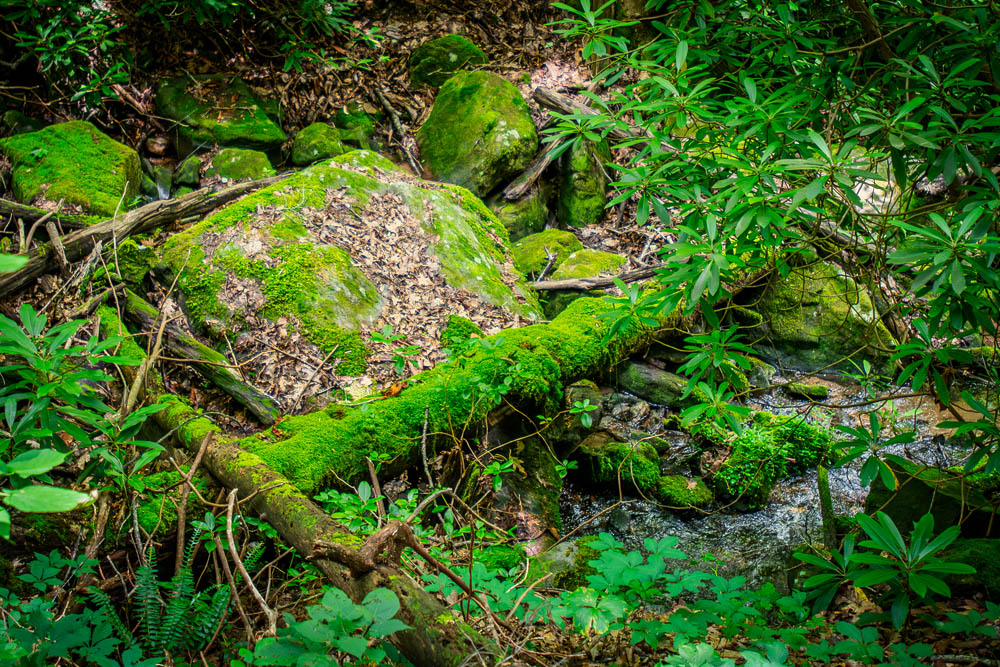
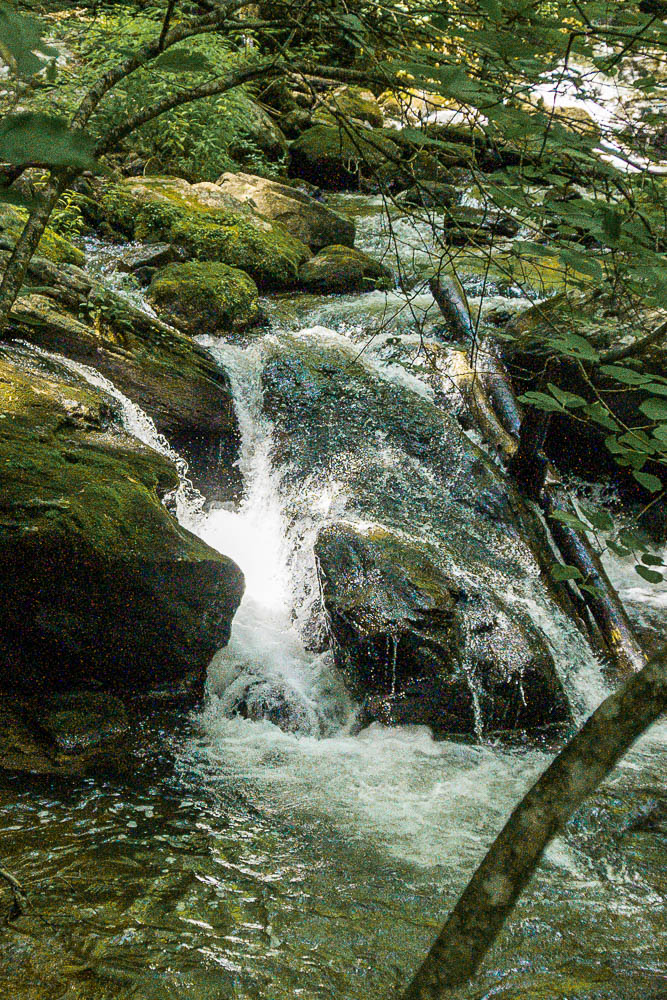
    Today I am posting a before and after look at a photo of a big rock covered in moss living in the stream at Unicoi State park. This is the stream directly after the Anna Ruby falls. There’s probably a better way to say that, but I think this gives the accurate topological positing.

    In the spirit of the last couple posts, I wanted to compare a straight out of the camera flat processed image along with an edit I was happy with. There are a million ways to look at the same picture when taking into account crops, angles, colors, light and other variables. Some of the ways are going to be good and others bad, but that is pretty subjective to the audience when you get right down to it. At some point you have to say I like that then put it out there. There will always be criticism, both constructive and destructive. Everybody has their own opinion, and some people delight in tearing down everything. That’s is a sociological/physiological perspective better suited for some other blog. My ADD and deep fascination with the human condition rears it’s head again.

    A few thought’s about this edit. That’s ultimately why this post is here. I decided to crop this image down to what seems to me to be the focal point, the rock and stream. There is something to be said about the wider view and the totality of the whole, but in this case I wanted to zoom in on those central points of interest. I didn’t have to crop in very far and the detail was still very much observable. Sometimes when you crop you loose detail, but I’m blessed with a very good camera, in today’s terms, capable of some pretty detailed exposures. This was shot on a 17-35mm zoom lens. This exposure was at 35mm. I took some exposures of the same scene at wider settings and like them too. I will post something with a wider perspective showing more of the totality of the scene soon I hope.

    One thing I’m a little unsure about is the color. The green is really green, at least on my monitor. When I was editing I liked it. When I look at it compared to the original it seems hyper-green. Part of me kinda likes that super-popin green while another part of me says it’s unnatural. These are the kinds of decisions one must make when processing photographs. When I decided I was finished with this exposure for today, I knew the green was a-popin, and I liked it. After the fact, I question my judgement. I wonder what other people would think. I wonder how much of what other people think would effect my editorial judgment.

  • More different looks

    More different looks

    Continuing my look at the photos of the Anna Ruby Falls shoot in Georgia this time only changing the Lightroom profiles. All of the profiles used are built into Lightroom. I believe you can purchase different profiles, but haven’t really looked into that option. I’m in no position to be throwing money at curiosities at this time, so it will remain unexplored for the time being. I’m not sure if profiles are the same thing as LUTs, which is something I explored a good while back. My curiosity is peaked.

    So according to Google AI overview a LUT is…
    “A LUT, or Look-Up Table, is a file that alters the colors and tones of an image or video. It’s essentially a color grading preset that can be used in both production and post-production to achieve specific looks. LUTs can be used for technical tasks like converting between color spaces or for creative purposes like applying cinematic styles. 

    Here’s a more detailed explanation:

    What it is:

    • A LUT is a table of numerical values that maps input color values to output color values. 

    It’s like a spreadsheet that tells your editing software how to change each color in your footage.  LUTs can be 1D (simple adjustments like brightness or contrast) or 3D (more complex color transformations). 

    How it’s used:

    • In production: LUTs can be applied to monitors on set to preview how footage will look after color grading, especially when shooting in formats like RAW or Log

    In post-production:

    LUTs are used to apply specific looks to video footage during color grading. They can be used to convert between color spaces (like Log to Rec.709), create a stylized look, or match the colors of different cameras. 

    Types of LUTs:

    • Conversion LUTs: Used to convert footage from one color space to another, such as Log to Rec.709. 

    Creative LUTs: Used to apply specific artistic looks and styles to footage. Camera-specific LUTs: Designed for specific camera models to ensure accurate color reproduction and consistency. Monitor LUTs: Used to calibrate monitors and ensure accurate color representation. 

    Why use LUTs?

    • Efficiency: LUTs can speed up the color grading process by providing a starting point for adjustments. 

    Consistency: They help maintain a consistent look across multiple shots or projects. Creative control: LUTs allow for experimentation with different looks and styles. “

    And then there are Lightroom profile, which appear to be similar but technically different. Again according to Google AI…
    “In Lightroom, profiles are essentially a set of instructions that determine how your RAW or other image file is interpreted by the software, affecting color, tone, and contrast. They act as a starting point for your edits, providing a base look that can be further customized. Lightroom offers various built-in profiles, and you can also import and create your own. 

    Here’s a more detailed breakdown:

    What are Lightroom Profiles?

    • RAW vs. Creative Profiles: RAW profiles are designed to optimize how RAW files are displayed, while creative profiles apply stylistic effects to any image format. 

    Purpose:

    Profiles don’t alter the adjustment sliders in Lightroom; instead, they apply adjustments directly to the image data. 

    Starting Point:

    Profiles offer a foundational look for your image, allowing you to build upon it with further adjustments. 

    Non-Destructive:

    Profiles, like presets, are non-destructive, meaning they don’t permanently alter the original image file. 

    Using Profiles in Lightroom:

    • Finding Profiles: In Lightroom Classic, profiles are located in the Basic panel within the Develop module, accessible through the “Profile” menu or the “Profile browser” icon. 

    Applying Profiles:

    Clicking on a profile in the browser applies its corresponding adjustments to the selected image. 

    Creative Profile Amount Slider:

    For creative profiles, you can adjust the intensity of the effect using the “Amount” slider. 

    Camera Matching:

    The “Camera Matching” profiles are designed to emulate the look of your camera’s JPEG rendering. 

    Installing and Managing Profiles:

    • Importing: You can import new profiles by navigating to “File > Import Profiles & Presets” in Lightroom Classic. 

    Missing Profiles:

    If profiles are not showing up, you can manage them through the “Profile browser” and ensure they are enabled. 

    Mobile:

    Lightroom mobile also supports profiles, which can be imported and used within the “Profile” tab. 

    Key Differences between Presets and Profiles:

    • Presets: Presets are a collection of pre-defined adjustments that can be applied to an image, affecting the sliders in Lightroom. 

    Profiles:

    Profiles are a foundational interpretation of the image data, providing a starting point for editing. 

    This video explains the differences between Lightroom presets and profiles:”

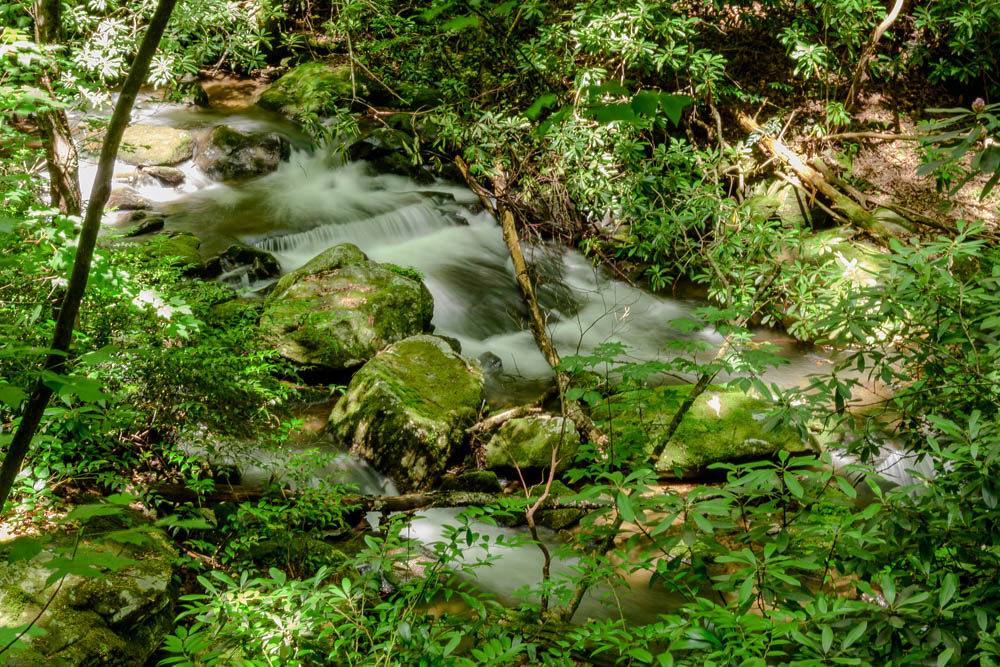
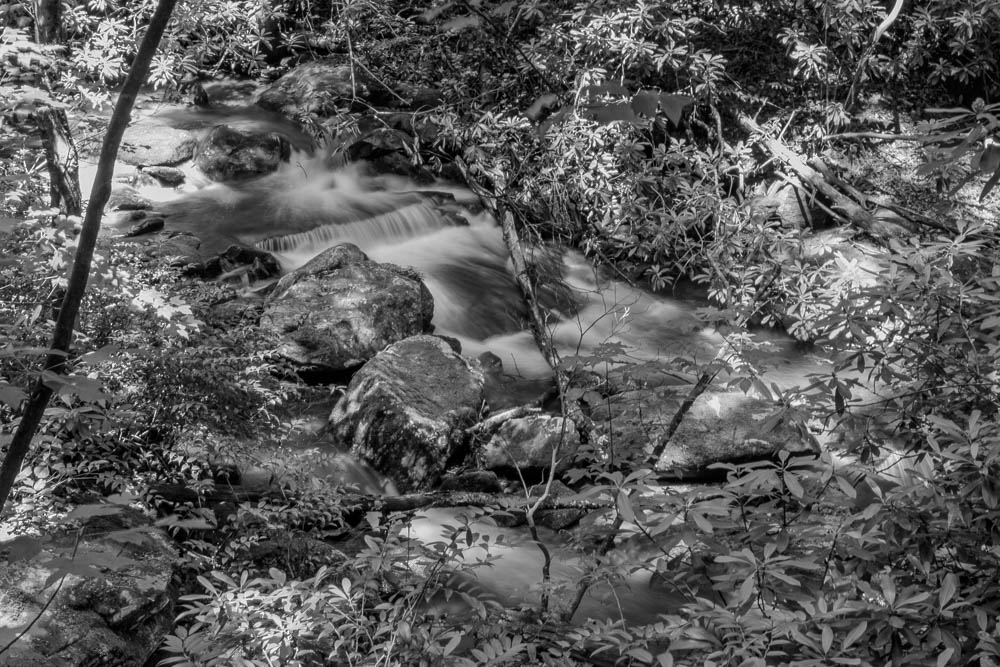
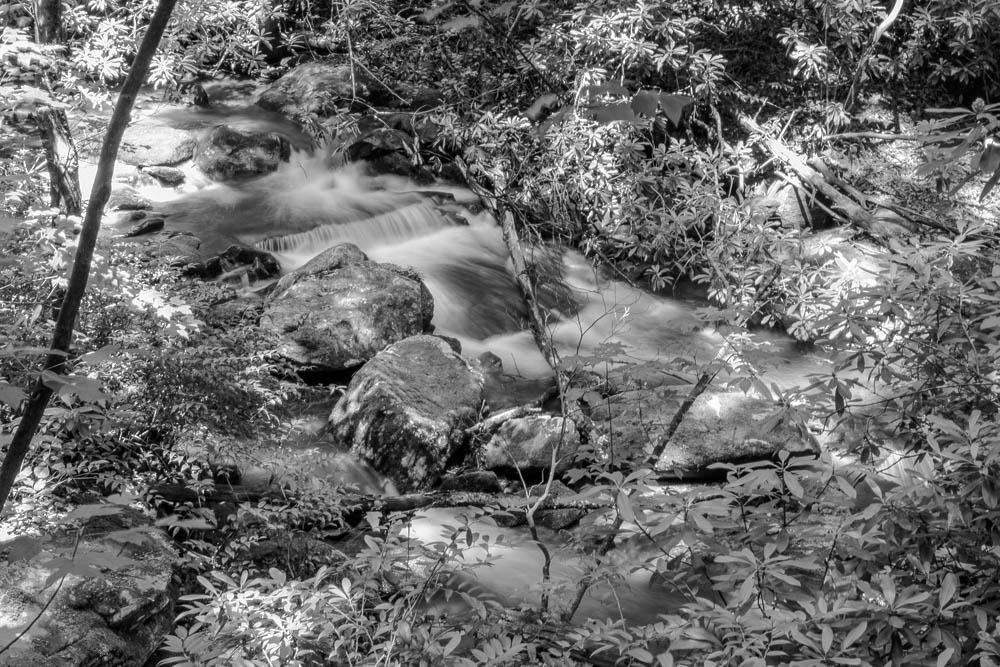
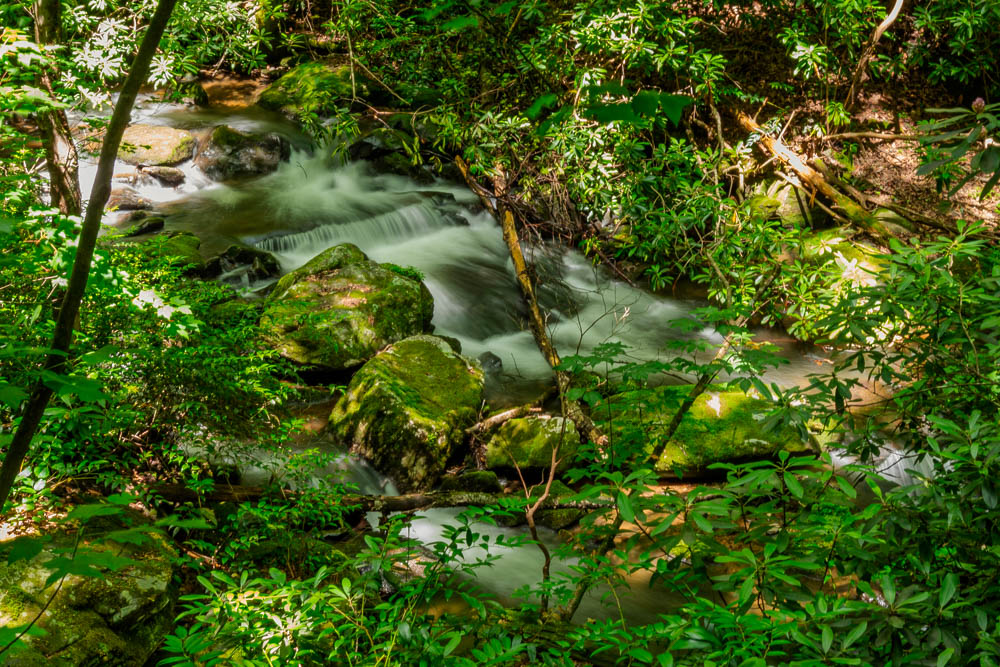
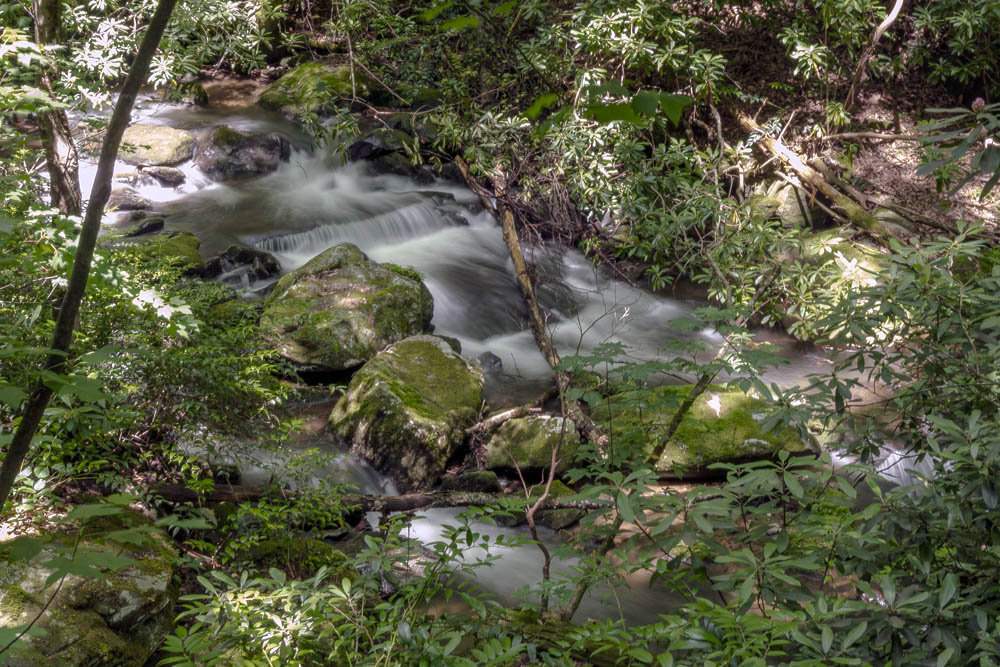
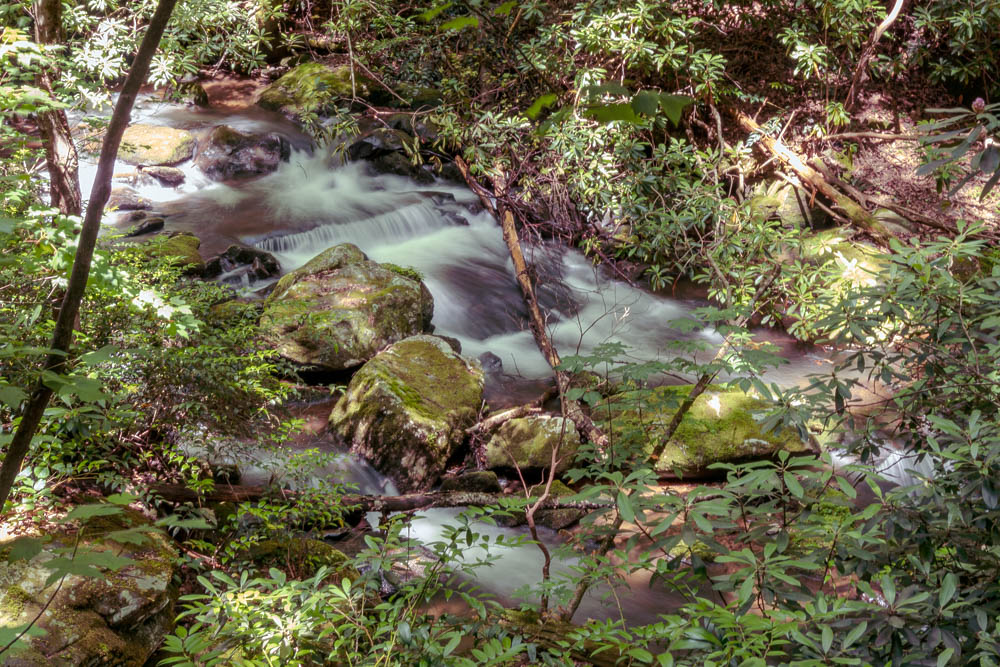
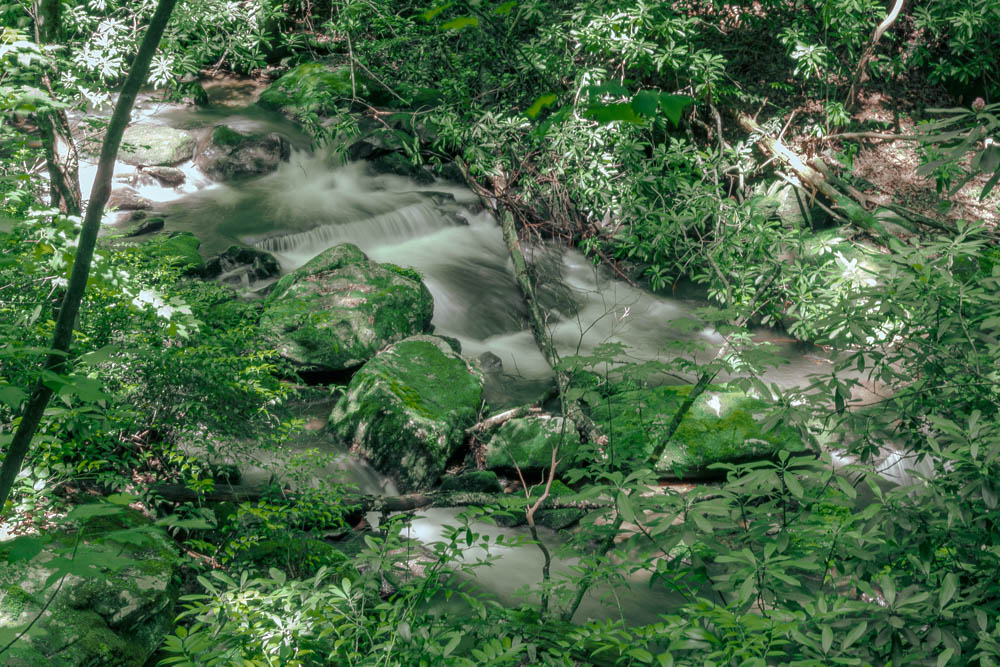
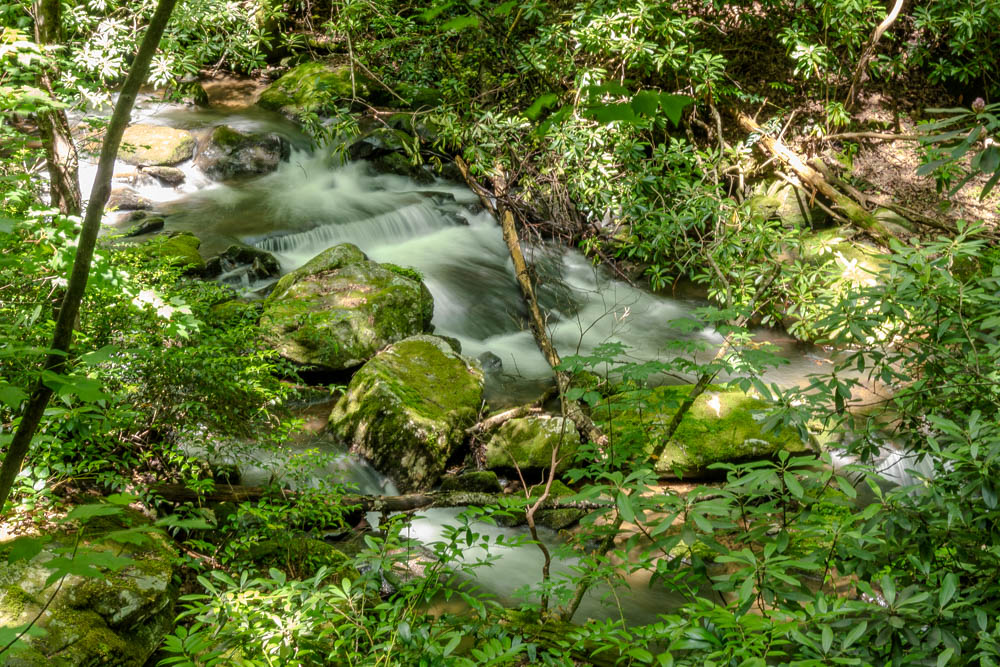
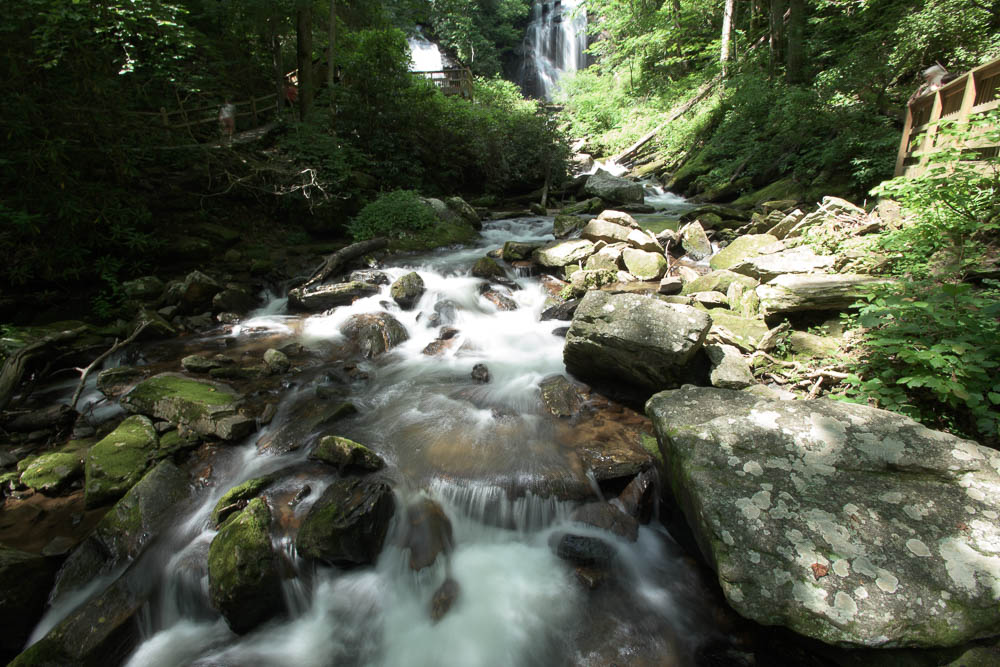
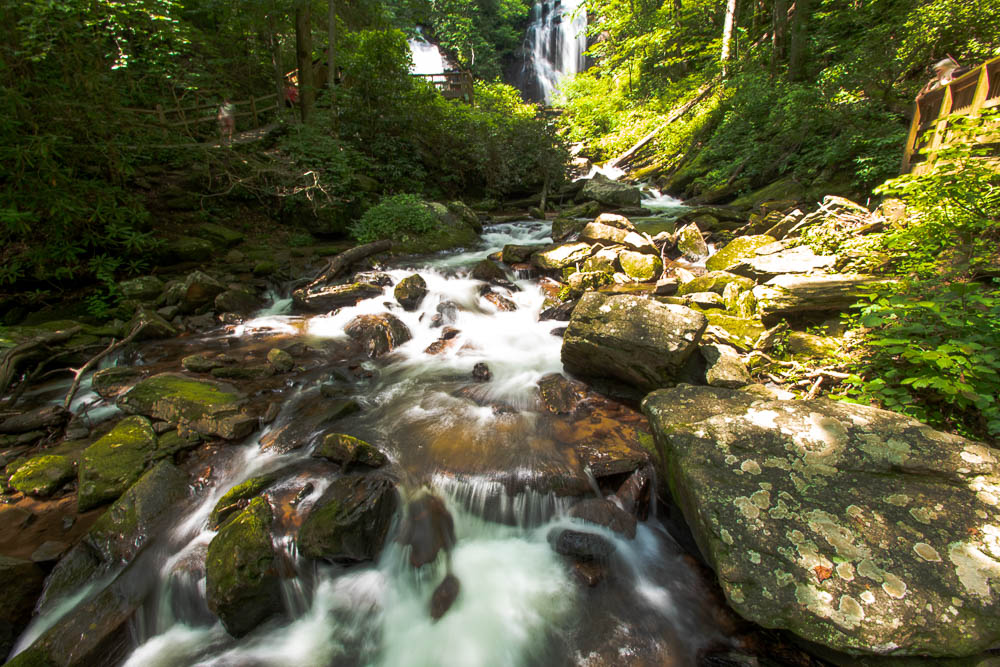
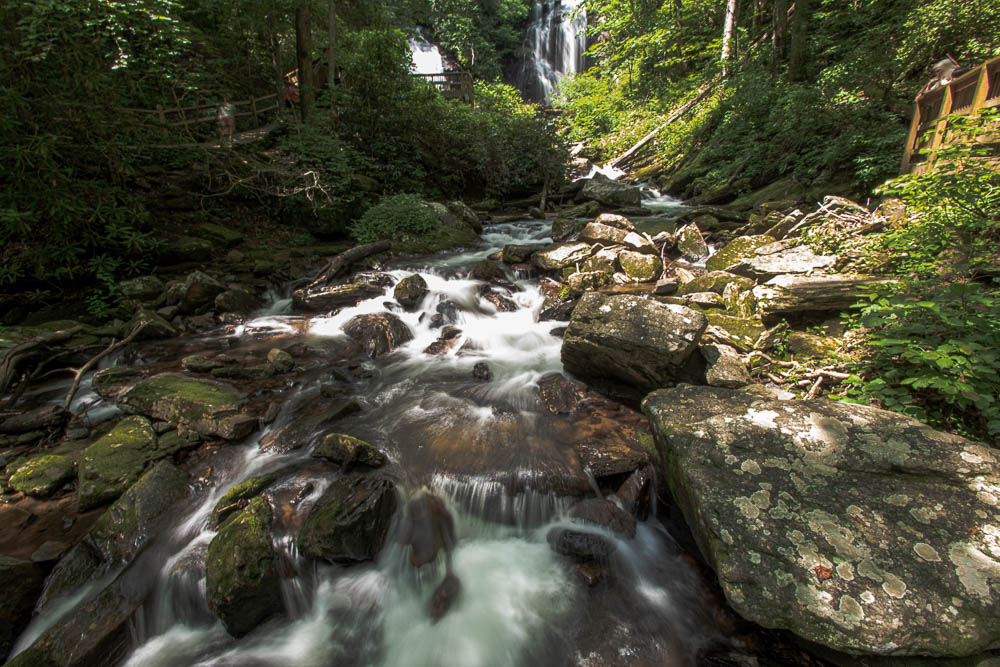
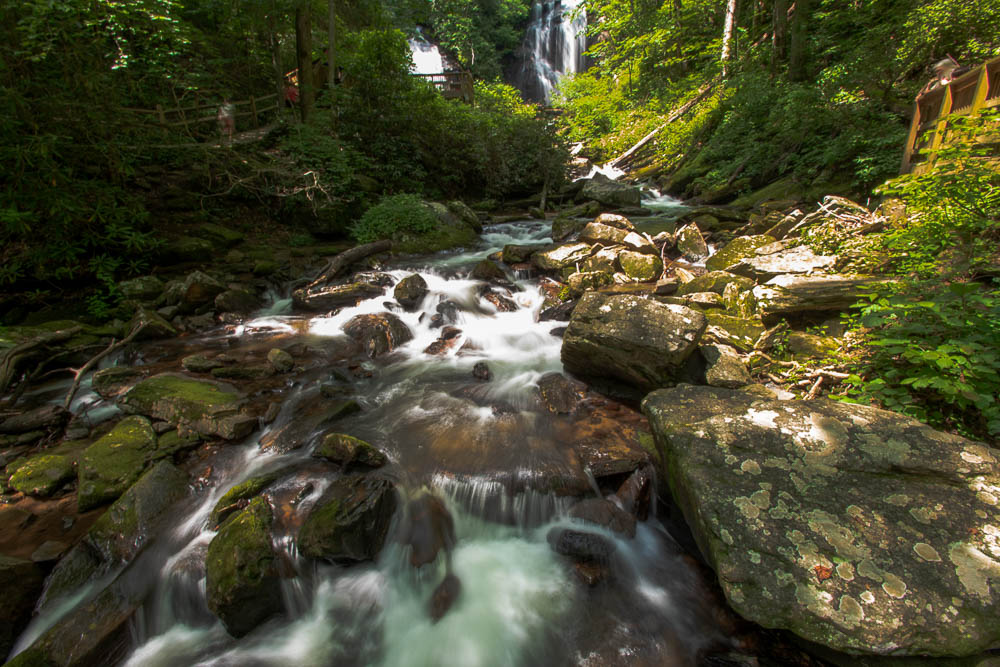
    In my personal analysis based on the available information LUTs are mostly for film and video production, which Is probably why it’s been so long since I looked into it. Then Lightroom profiles are more for photographs which is appropriate in this case. I’m sure there are many different things that can be said on the subject, but this is where I present the pix portion of the blog post. The top of the post featured image is the flat profile I used to create all of the other variations presented. The only adjustments made were profile adjustments from the parent/featured image.

  • Different looks of the same pic

    Different looks of the same pic

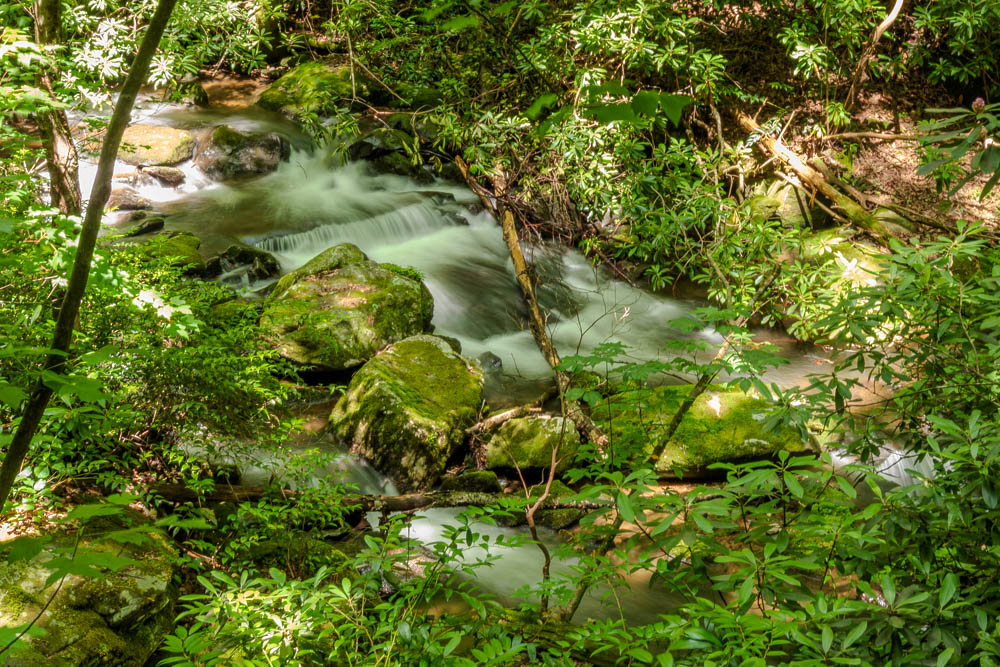
    The featured image at the top of this post is the original straight out of the camera view. I tend to shoot images with flat processing. I like to add different looks in post production as I see fit. I guess this is part of my personal process at this point. It’s not set in stone and I am always trying different things both intentionally and unintentionally. There are so many variables to consider when practicing the art of photography.

    This image is from a recent shoot at the Anna Ruby Falls in Georgia. It is part of the Unicoi state park, and it was pretty magnificent. This is near Helen Georgia which is really a tourist destination in the north Georgia mountains. The north Georgia mountains are part of the Blue Ridge mountains which are a part of the Appalachian mountain range. It would seem that north Georgia is on one end of the Blue Ridge mountain range, which is apparently a range of the tallest mountain peaks on the east coast of North America. The Appalachian range encompass the Blue Ridge range. It covers a larger area but overall it’s mountains are a little more than hills outside the Blue Ridge range.

    My ADD started mt down a path of geography and my mind started wandering to history and culture. Alas this is not why I started this post, and a big part of why I have a difficult time staying focused. Back to photography.

    I’m happy to say I got a whole lot of good photos to play with on this trip. Many of which I would deem to be really good and many of which are pretty good and not too many of the exposures I made were complete junk. Complete junk maybe a little harsh. Perhaps not necessarily keepers would sound a little less self deprecating. I can’t speak for anyone else, but when I do photography in a way that I’m trying to achieve something that transcends simple snap shots I generally take several different exposures of the same subject using different techniques and angles and even timings. Two exposures can’t physically be taken at the same time from the same camera, so each shot is from a different time as slight as that variation may be. But even in the tiniest variations of time things can change pretty significantly. The arc of a ball in flight. The sparkle in an eye and twist of a smile. Pose positions. Much like a person can never step into the same river twice, as the saying goes.

    All of these images have been manipulated from one parent image. As previously stated the original unaltered image is at the top of the post. I could make endless variations from very subtle differences to insanely outrageous variations with just some simple manipulations of the underlying properties of this image. I have created four that I like and want to share. There are aspects of each of these variations I appreciate. I’m not saying that any one of them would be the end product so to speak. After all it’s subjective which is best anyway. I really just want to get something on here today, right now. I’ve been remiss in my blogging lately.

    There are a whole lot of images from this shoot I like, many which I expect I’ll will post in the future. But today my attention is already wandering. I’m happy I could keep it together long enough to do this much.

  • Macon Pics

    Macon Pics

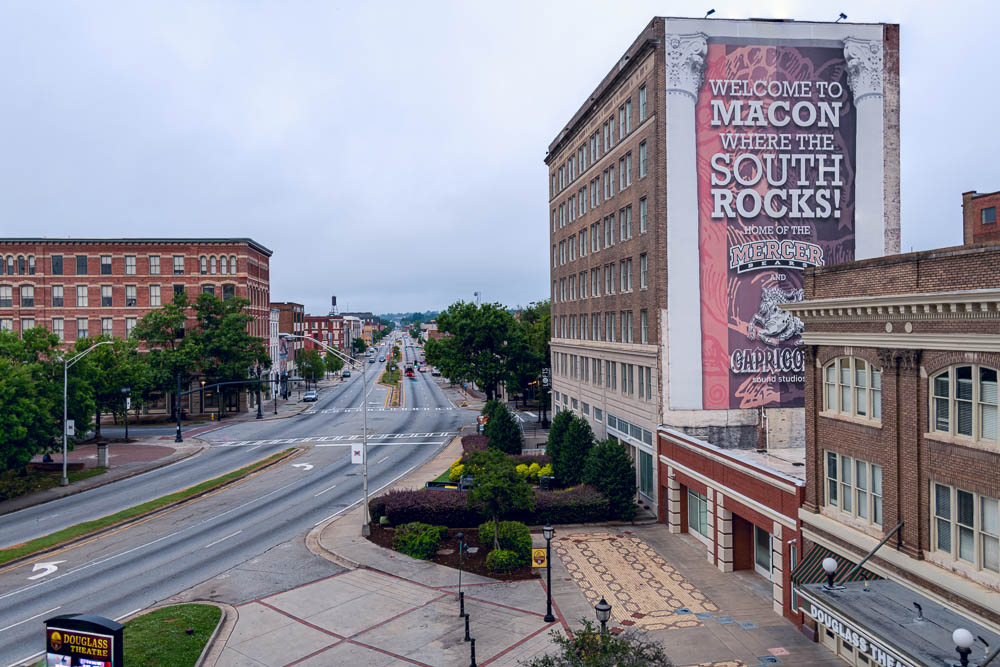
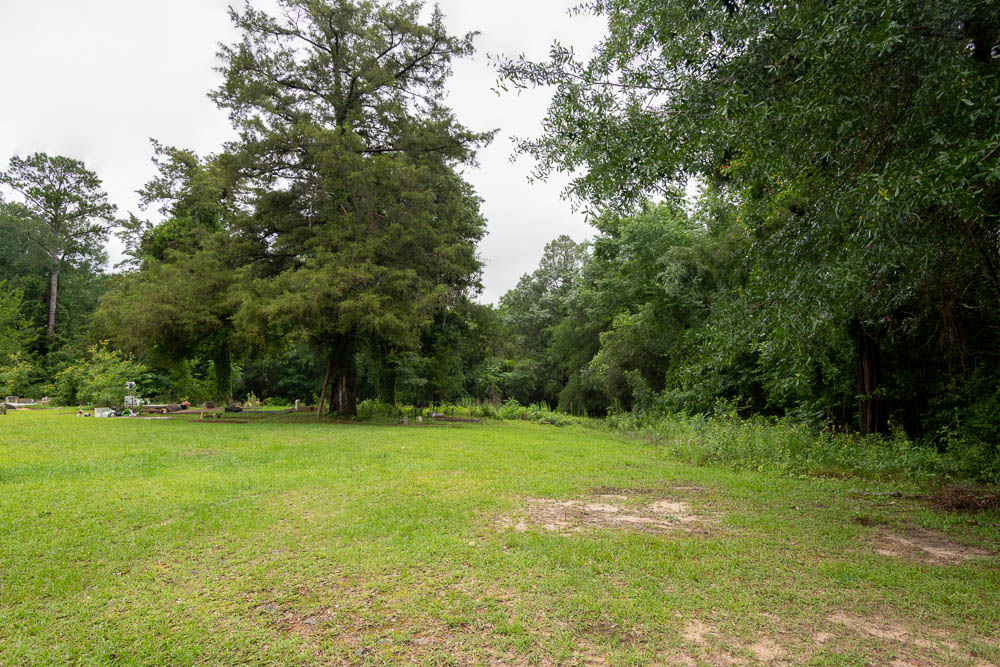
    I’ve wanted to get this shot for a while. I had some time and motivation the other day so I went for it. It wasn’t the most photogenic day, but I’m pretty happy with how this turned out. I do think I’ll go back some other time when it’s less cloudy and foggy. There wasn’t much direct light. This was pretty early in the morning.

    I would be interested to see how the light would be at the end of the day. There are all sorts of lighting conditions I think would be interesting to play with here. It’s a bit of a drive to get here, but I think it would be worth it to get some different looks. I’ll keep this in the back in my mind when I want to do some shooting.

  • Drone Diddley

    Drone Diddley

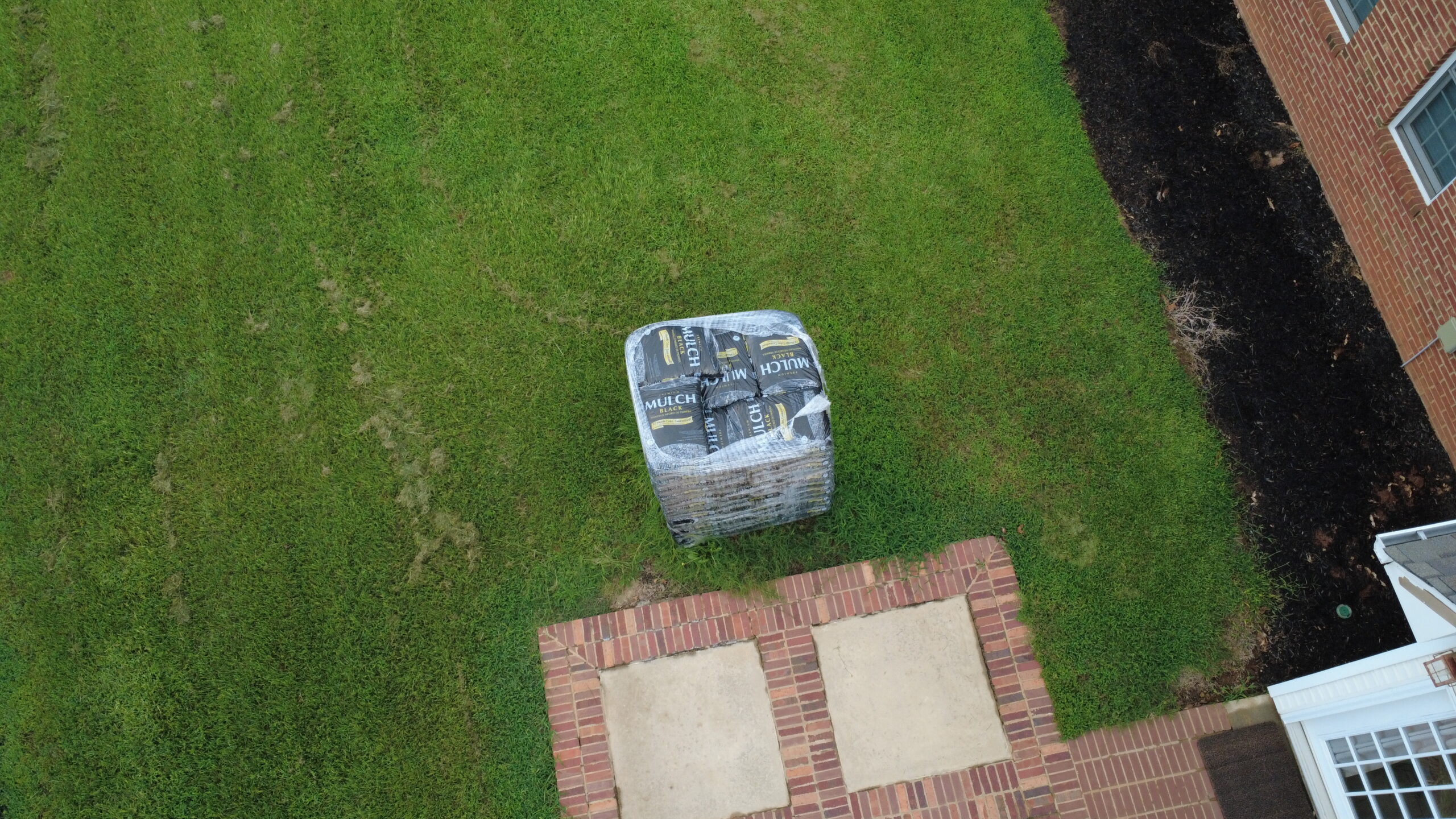
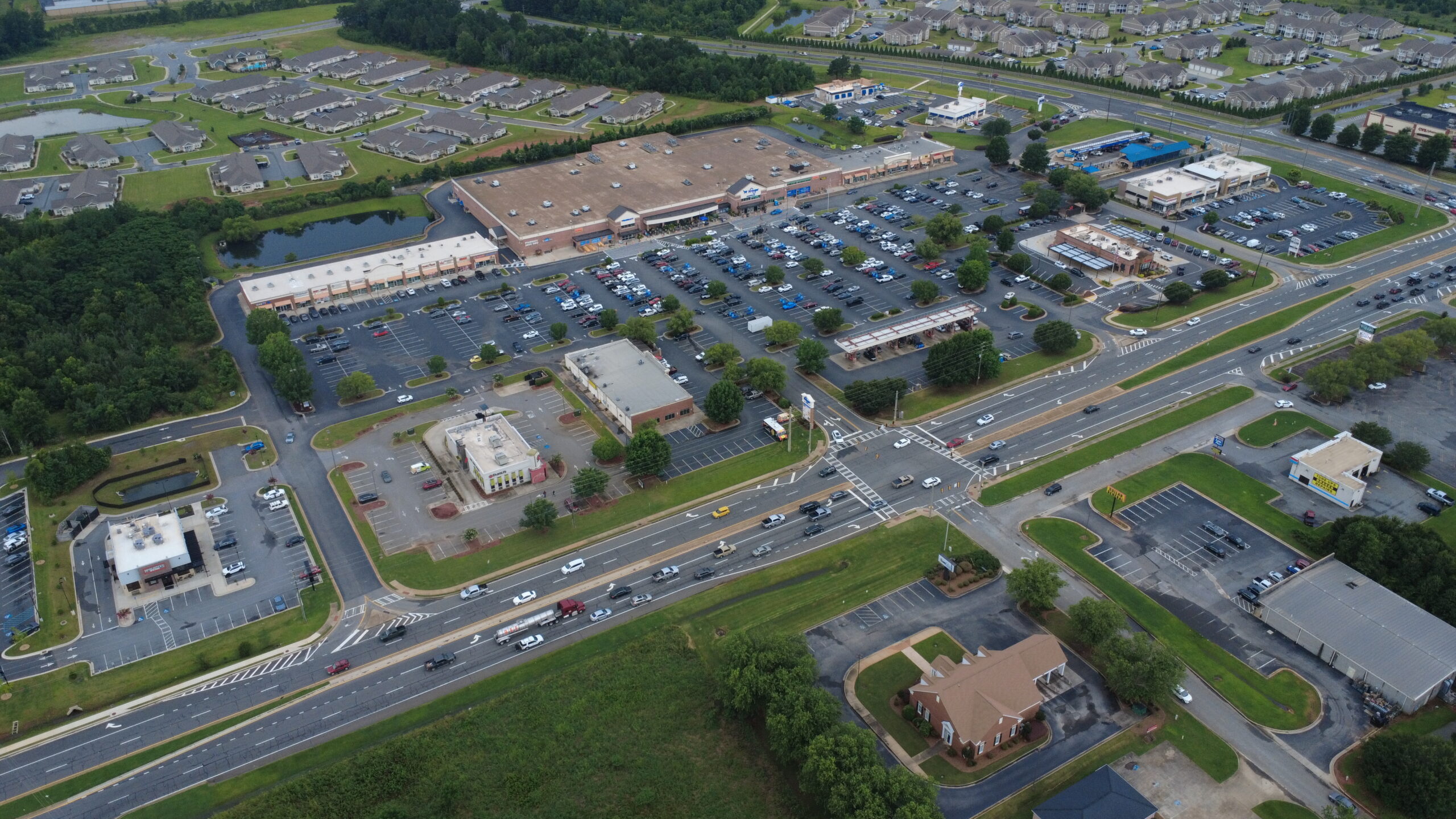
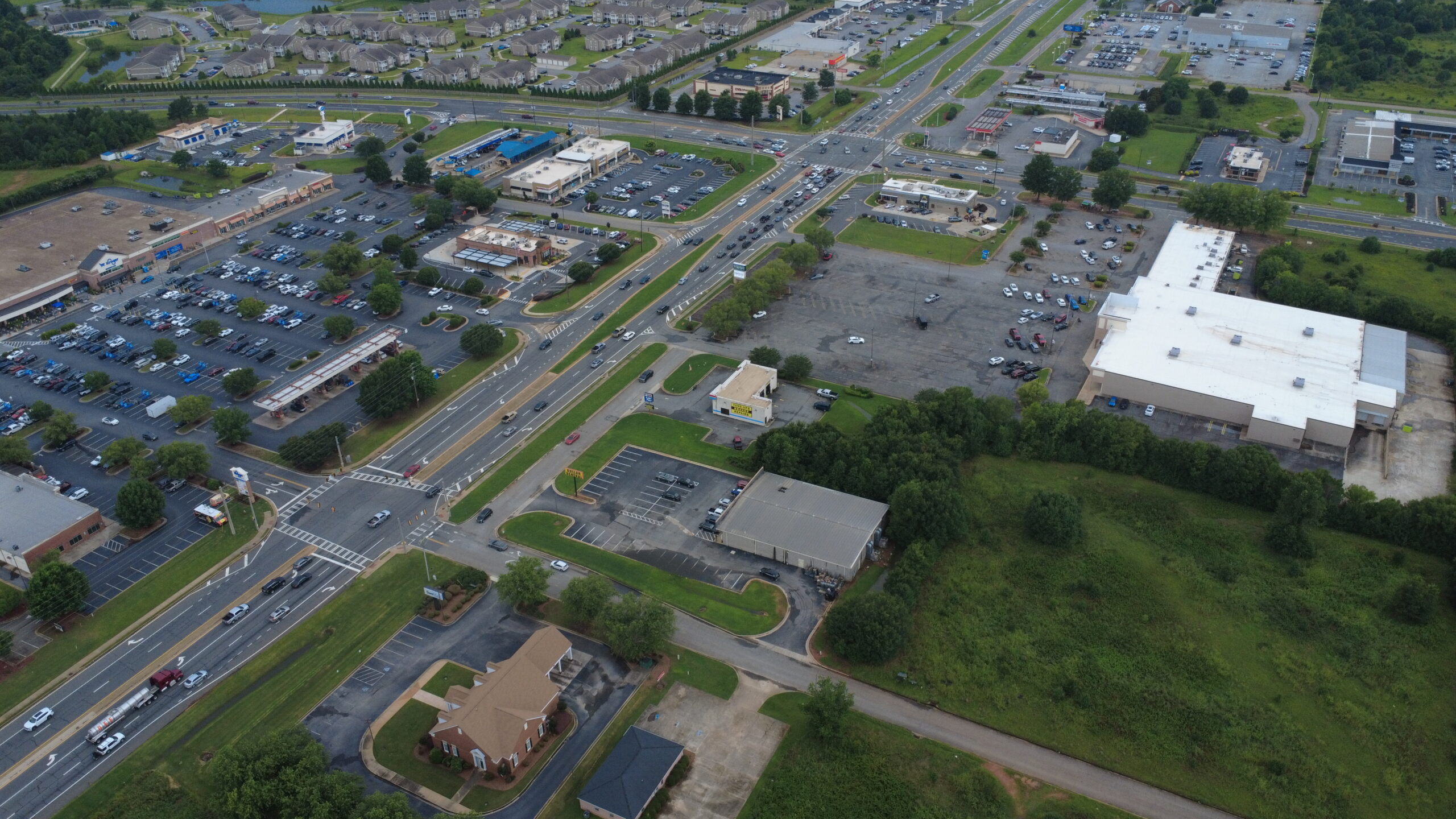
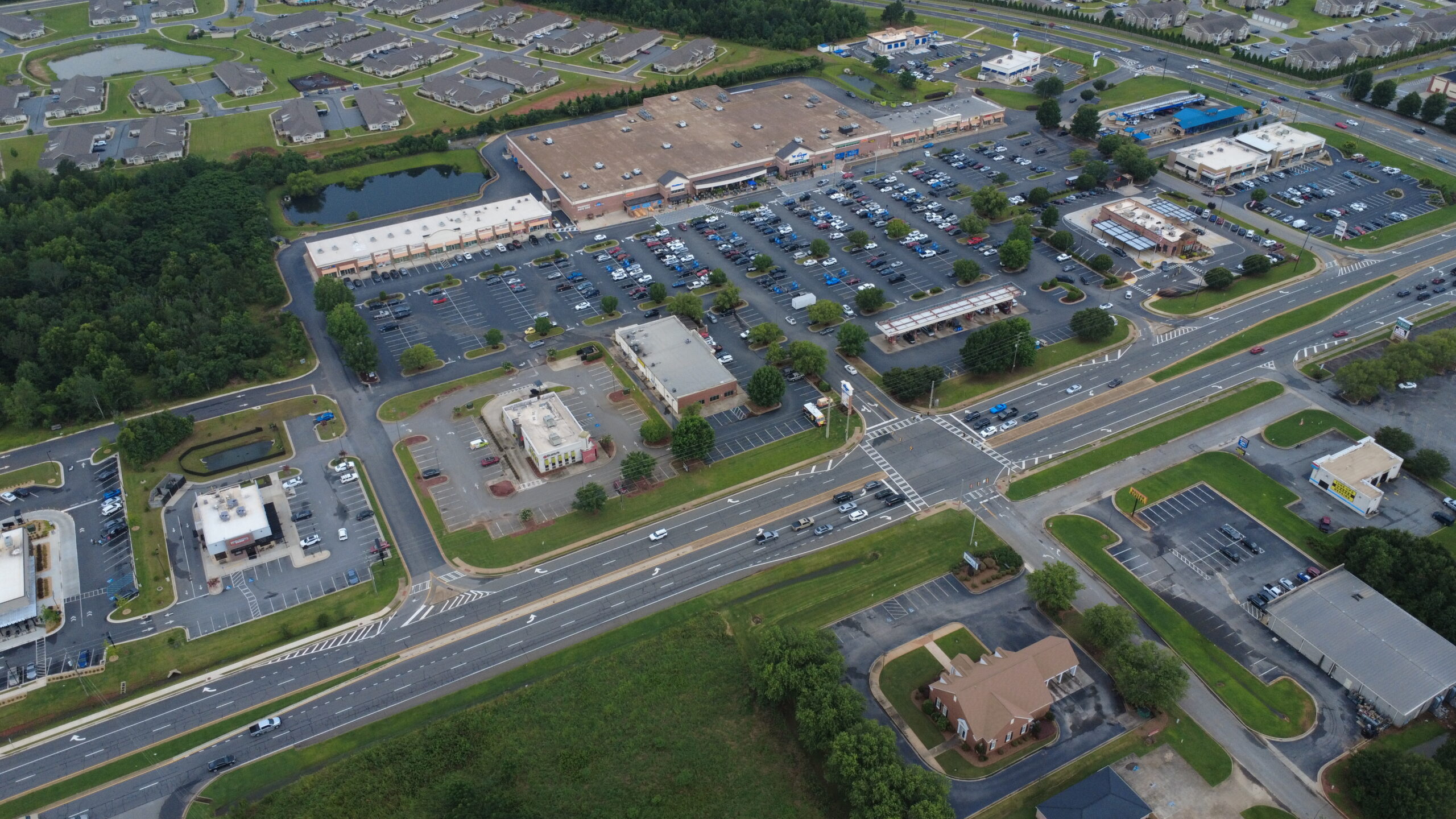
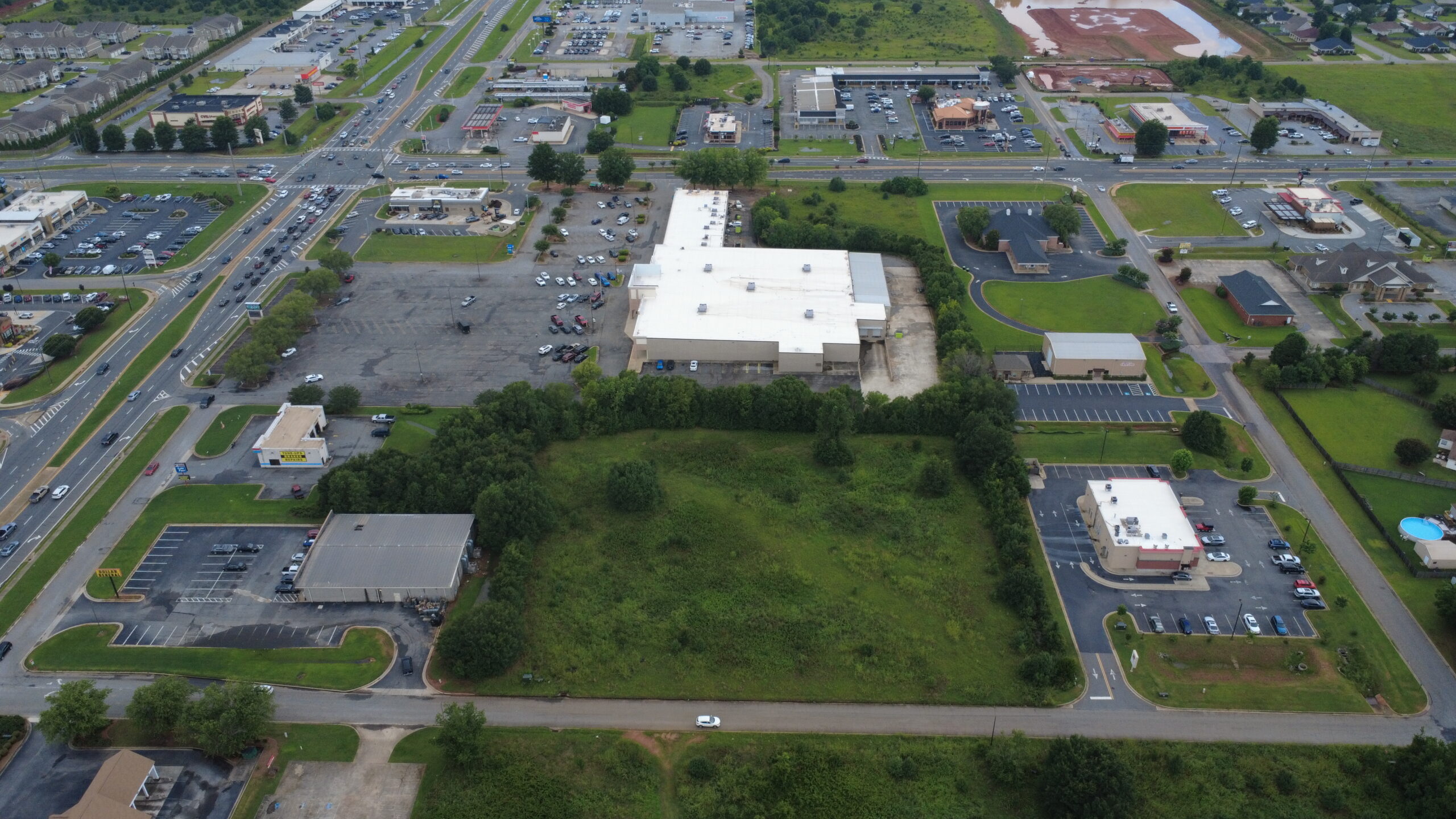
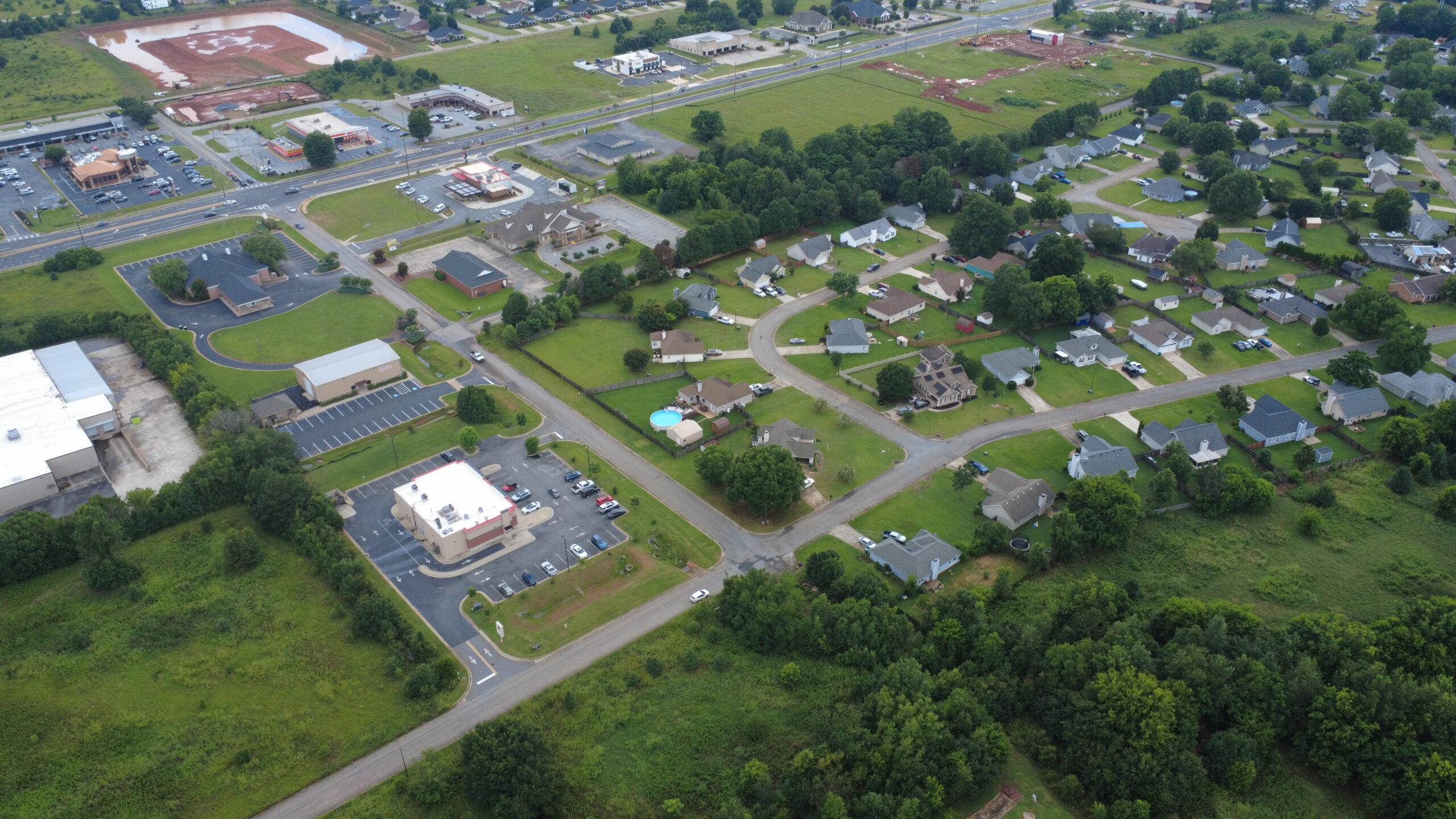
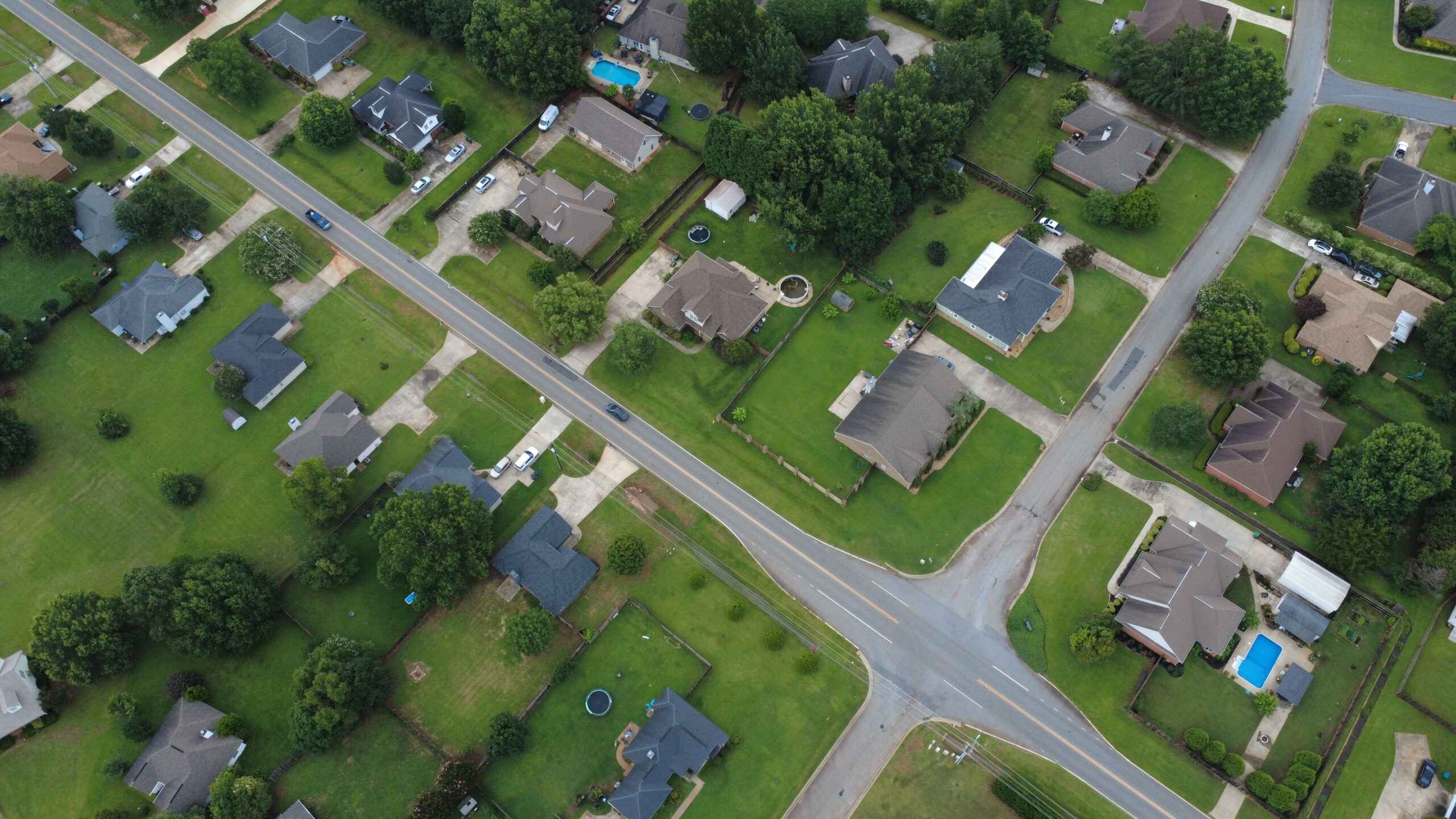
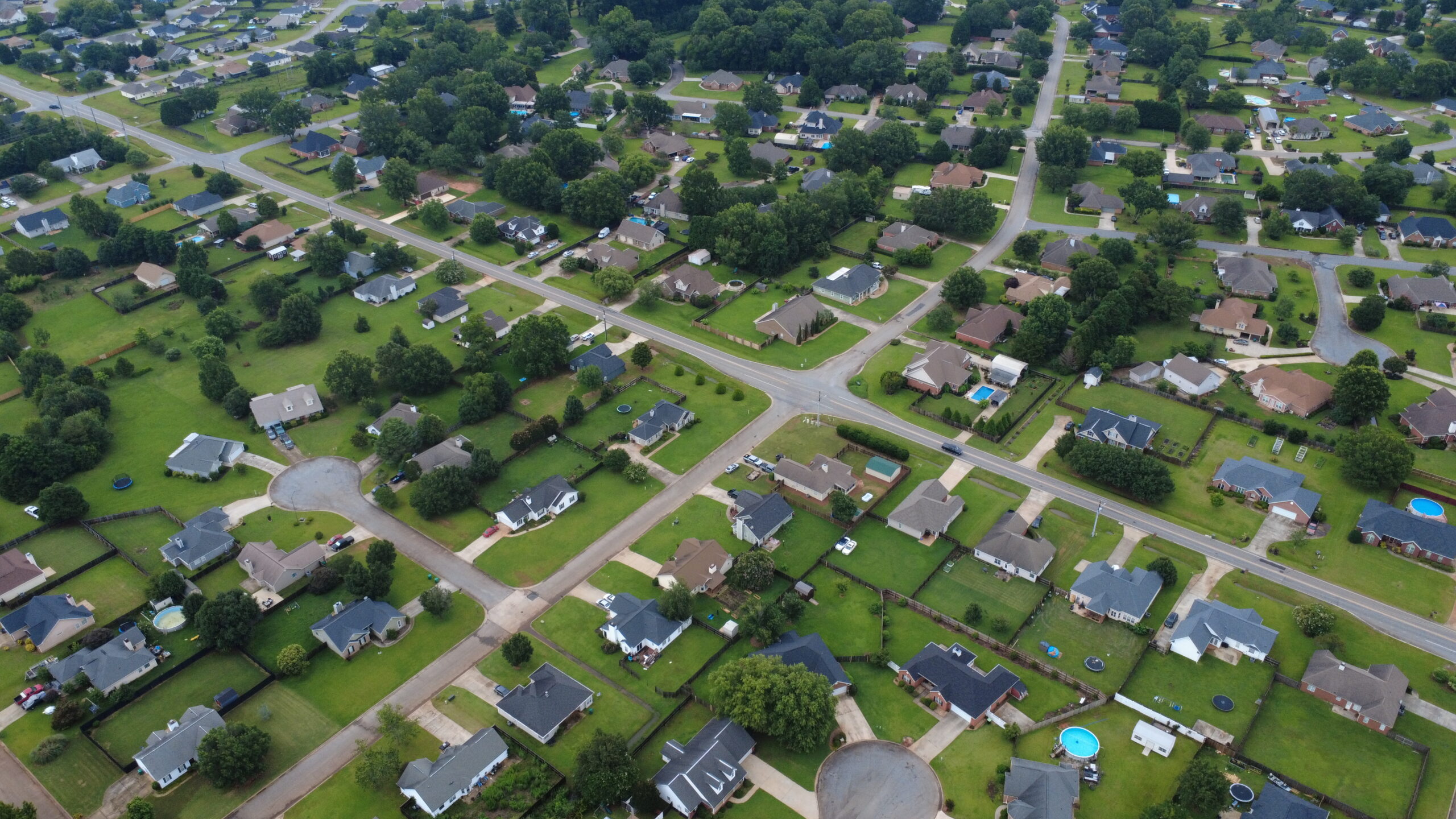
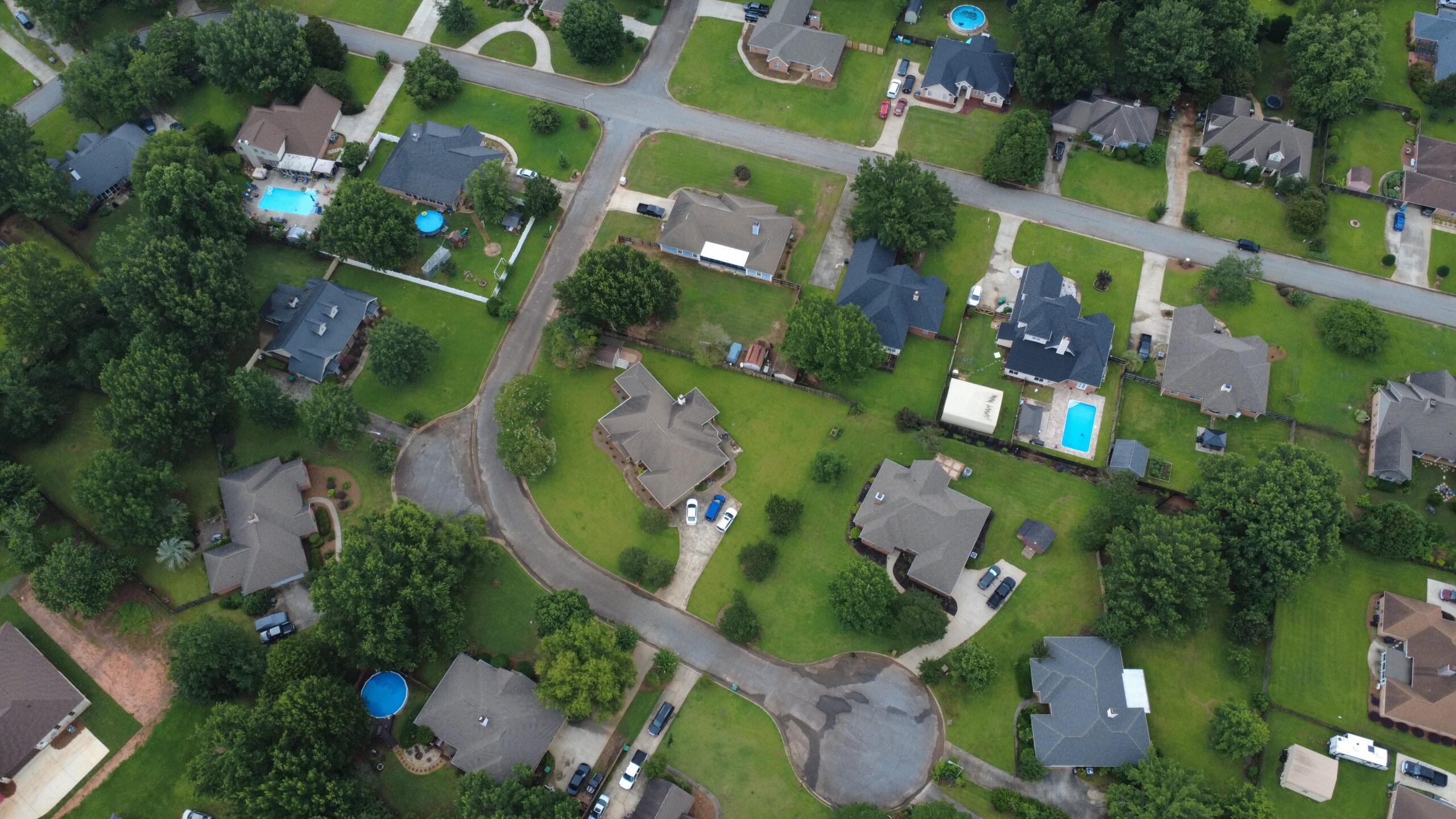
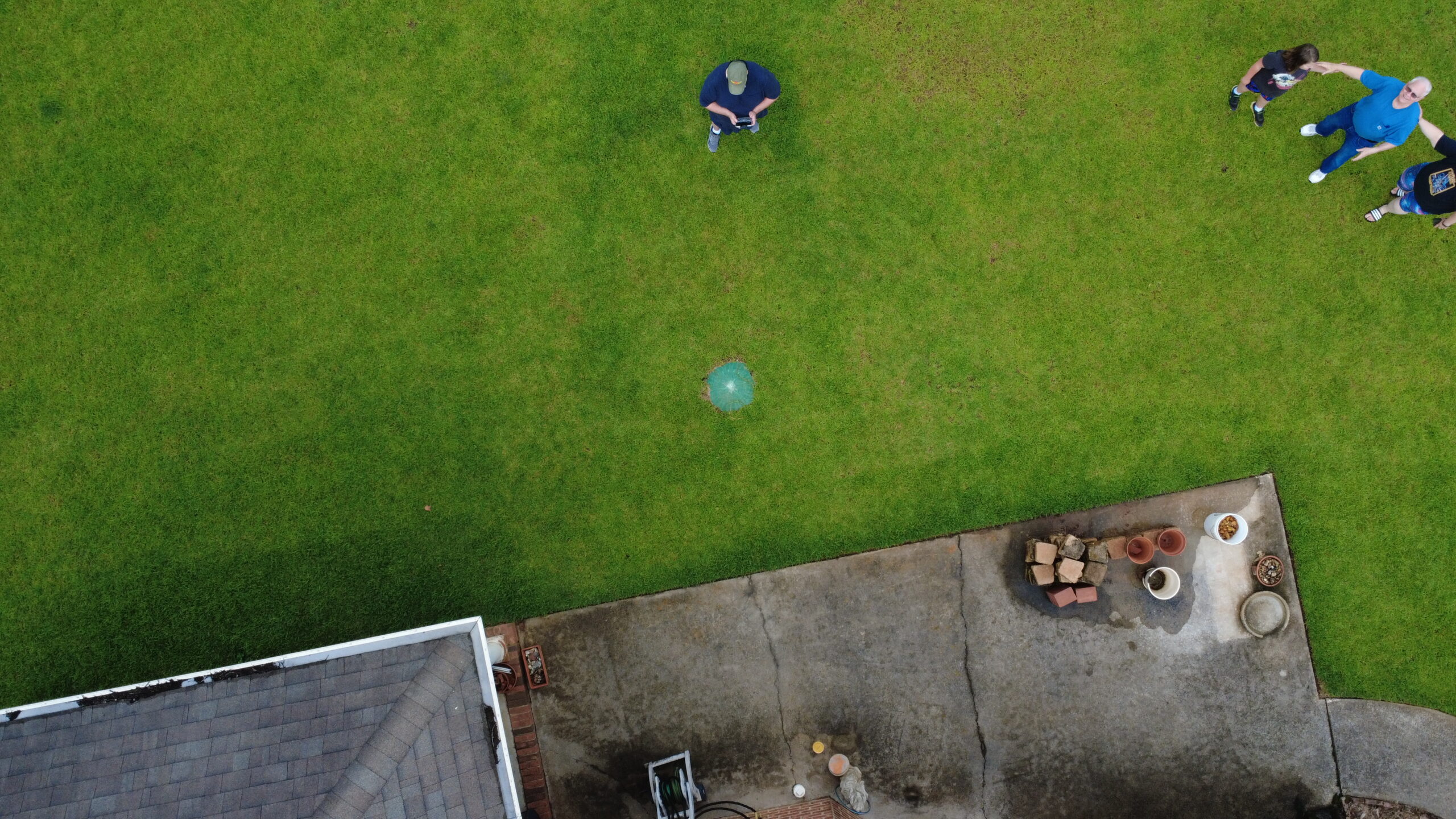
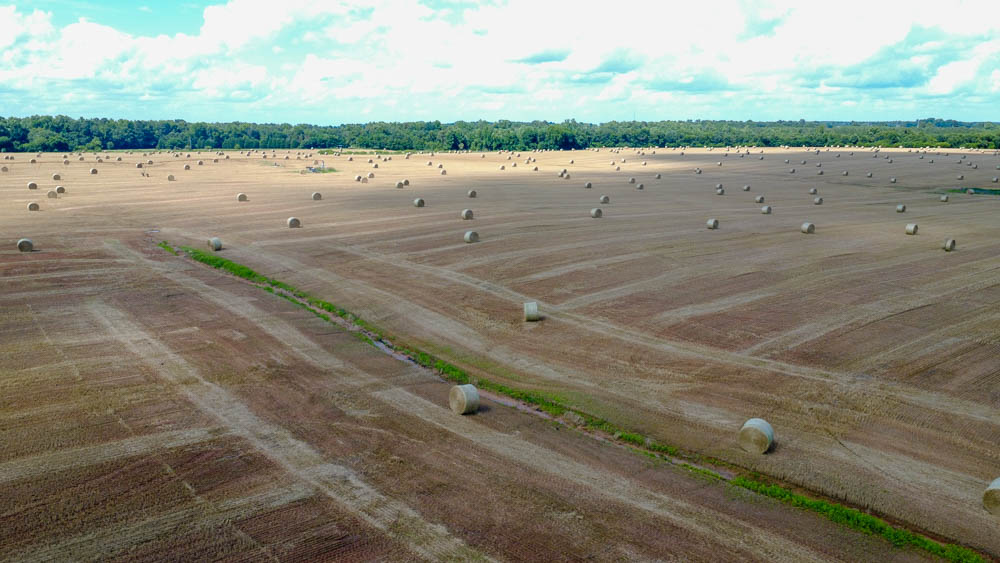
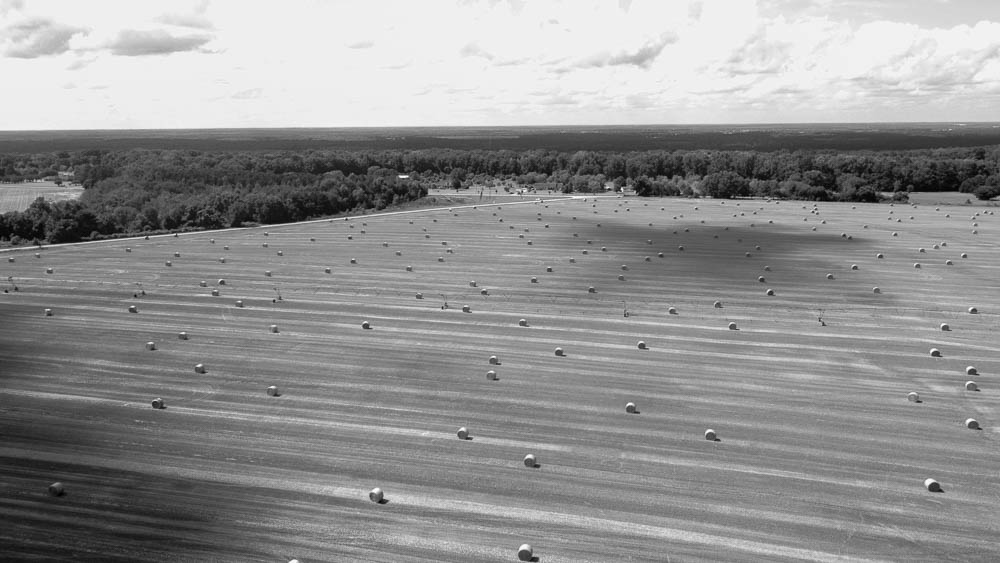
    Not much to say about these. Just some drone pics I got recently. Warner Robins, GA.

  • Some cool drone footage of some cool rural scenes

    Some cool drone footage of some cool rural scenes

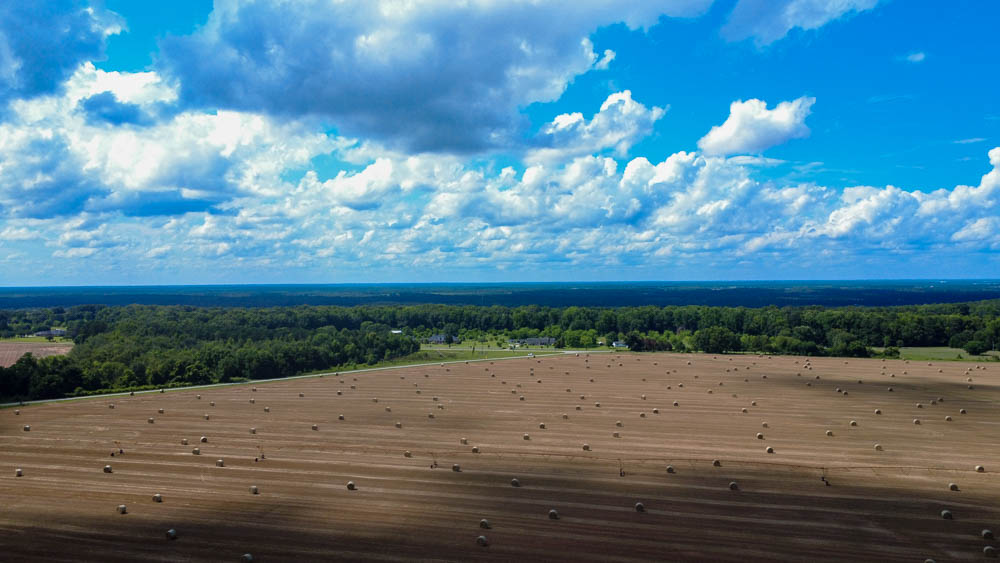
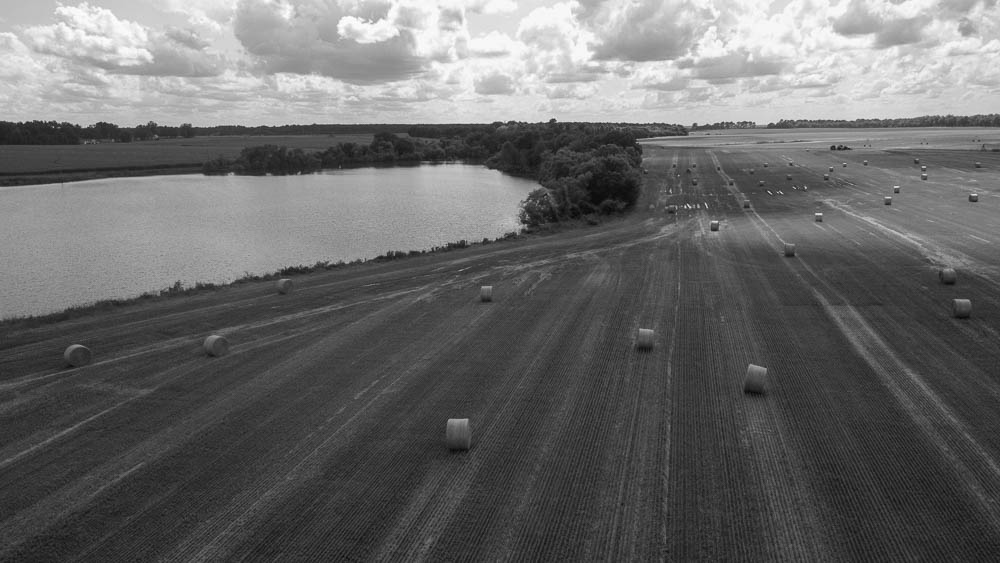
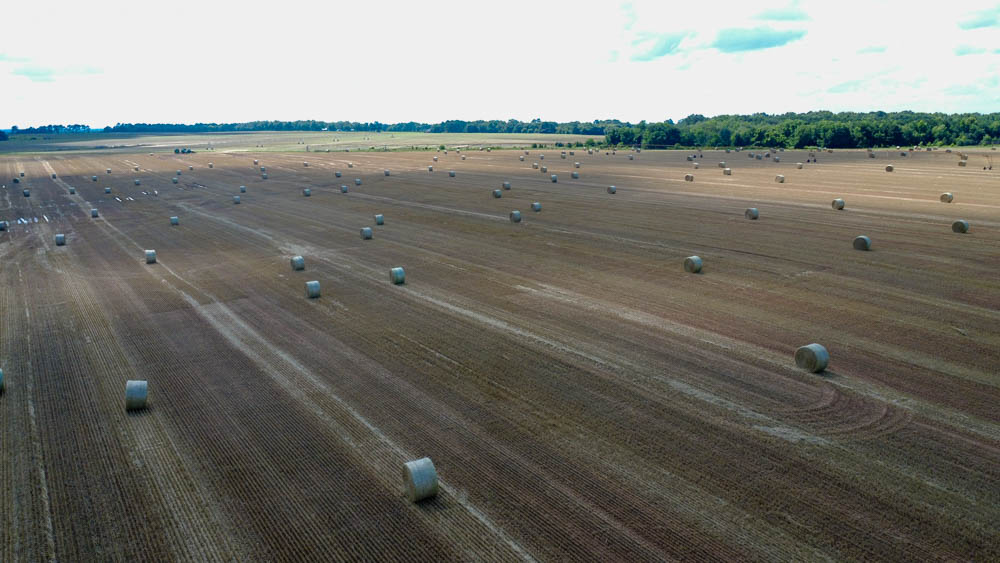
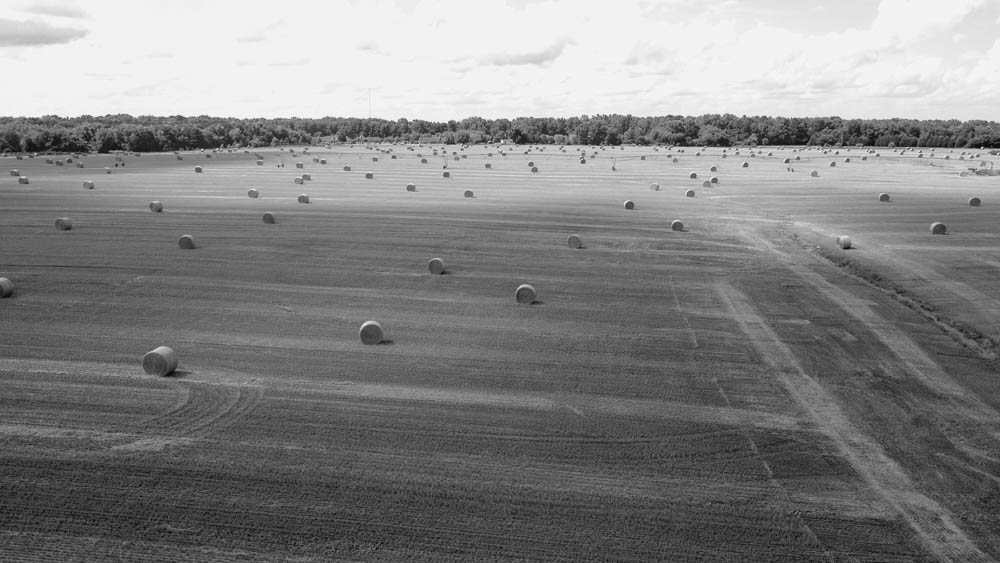
    And a few still pics also.

    I’ve got to say I really like this set. The sweeping vistas of farm scenes is fascinating to me. I like the symmetry of it all. I like seeing the how mankind shapes the environment for better or for worse. The drone is a great way to see things from a perspective most people will never actually see. I’d be honestly surprised if the farmers who own and work these fields have ever had to opportunity to see them in this way. I don’t imagine they will see it now as I post to this obscure blog. Oh well. I do enjoy it all.

  • Just play’n around

    Just play’n around

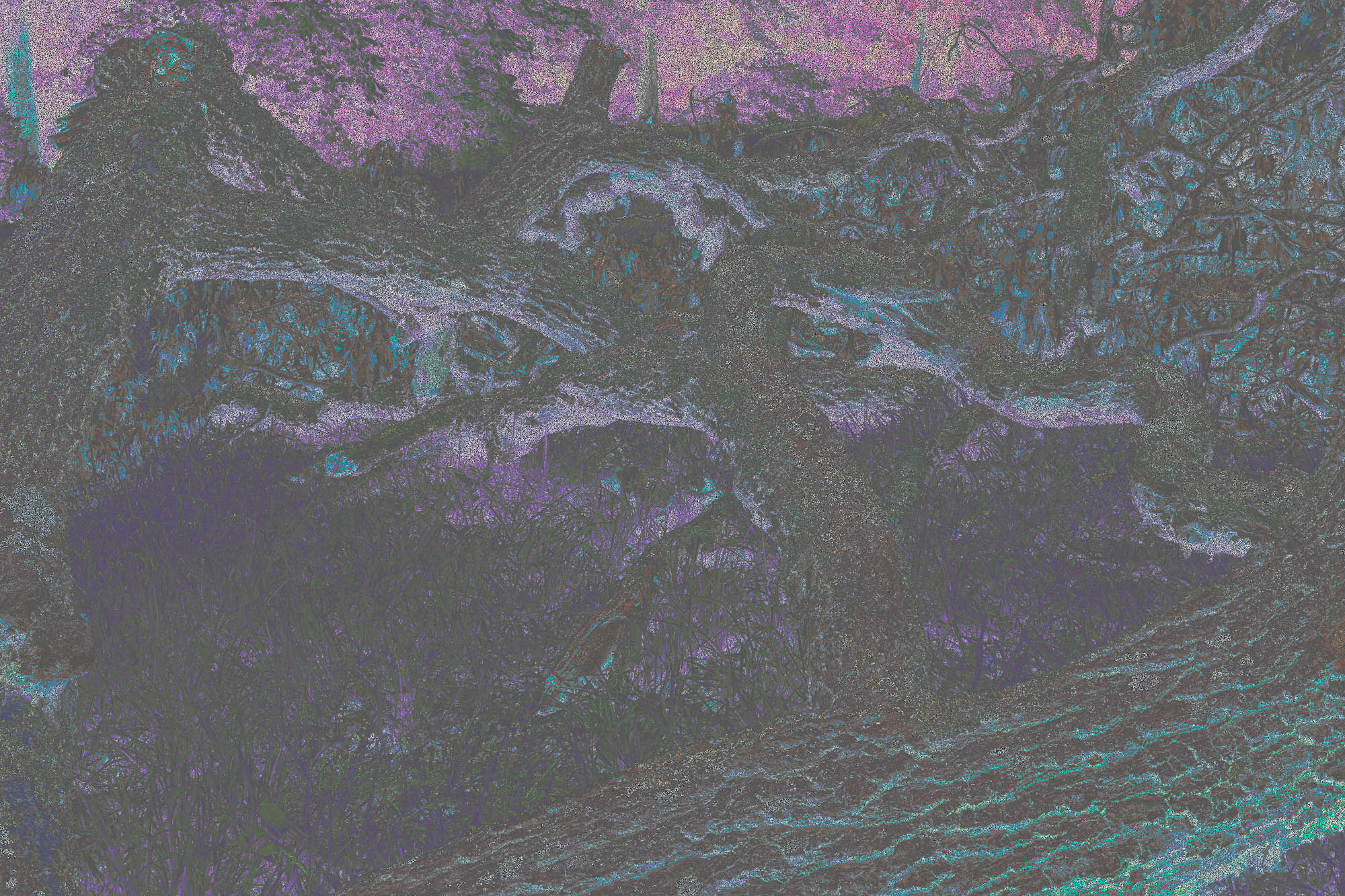
    I was playing around with this landscape shot from the group I just posted. I’m probably too crispy, but I really like this one, at least at the moment. I could go on endlessly adjusting layers and making little tweaks, but I’m quite happy stopping here.

    I like the muted colors. It’s not too in your face. And purples and blues are very relaxing to me. Yet this has a kind of dark and ominous feel to it. It gives me a Mirkwood vibe, or one of the other haunted forests the hobbits and co found themselves creeping around in lost and afraid.

  • A couple landscapes

    A couple landscapes

    I went out and found a spot to do some photography, landscape photography in this case. As you may have noticed my specialty is not having a specialty, at least at this time. I love all types of photography and digital tinkering and am frequently bouncing my attention around and trying things. Frequently I tend to focus on the natural world around me, it’s pretty convenient as it is around me. I don’t have the budget or time for elaborate photo safaris most of the time, so I make the best with what I do have.

    I suppose it is something of a maturation that I have come to realize that beautiful and interesting things are really in the eye of the beholder, and the beholder can frame anything how they like it. I’ve been a little disheartened at the lack of dynamic landscapes in my local area. I’ve longed for majestic mountains and always fascinating seascapes or even better amazing city views. But I have trees and swamps and such, and they can be quite interesting when looked at with the right frame of mind. Plus It occurred to me these things that are common to me are exotic to others living in different circumstances. And that is one of the appeals of landscapes in my opinion, to see the beauty of the greater world through the eyes of other people.

    Anyway I found a spot not far from my home and set up for a couple shots. I’ve been wanting to do some experimenting with focus stacking, and that is what I did here. I tried several different techniques and learned. It’s important for me to always learn something, even when doing something I’ve done a hundred times. That is one of the wonderful and challenging things about photography; the variables are never exactly the same twice. It’s a little like that person who never steps in the same river twice.

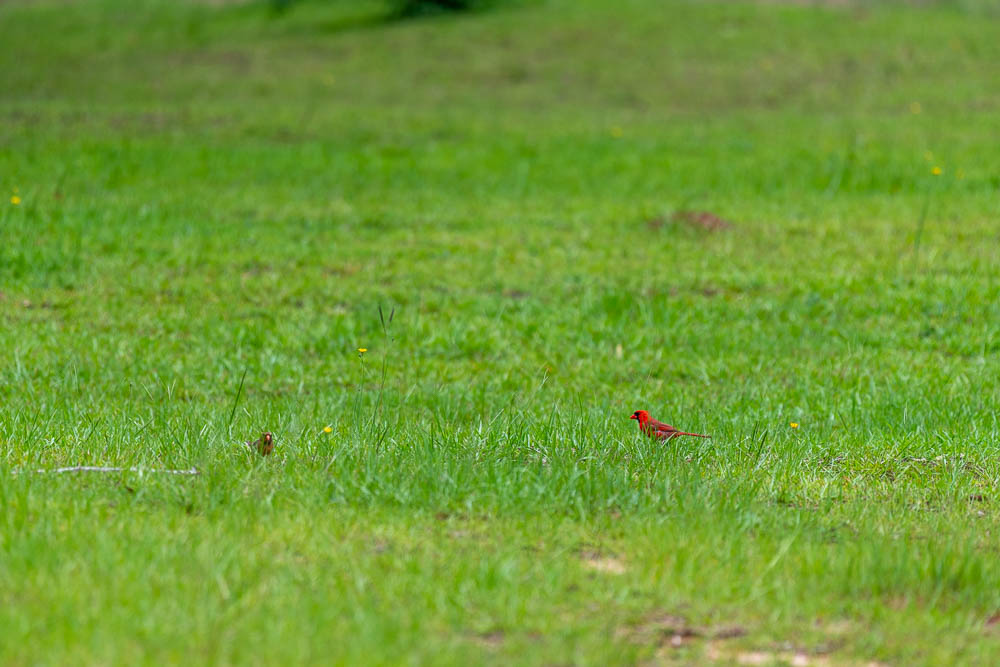
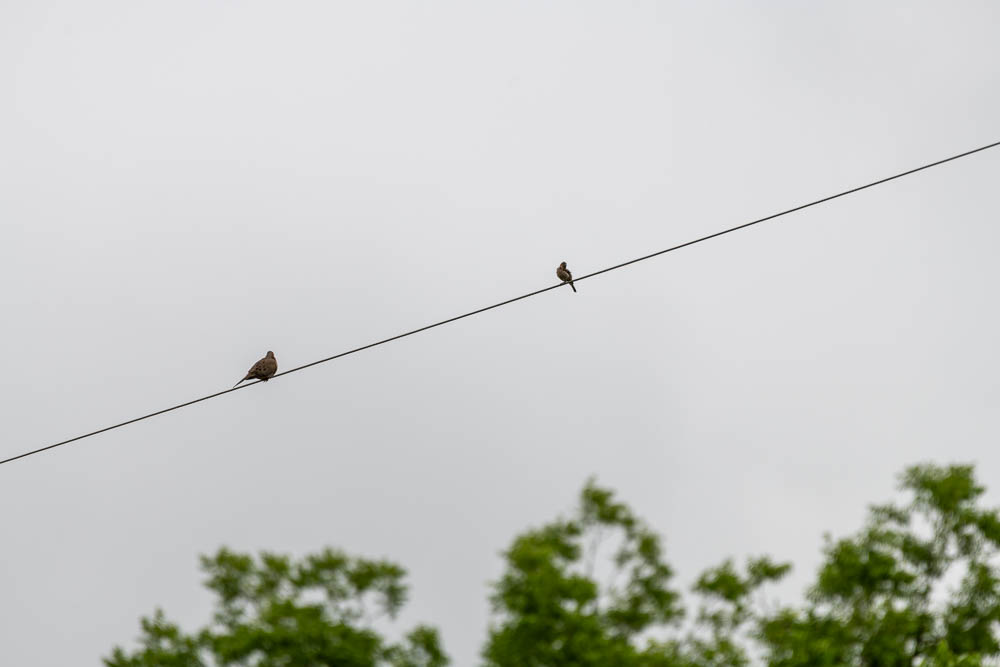
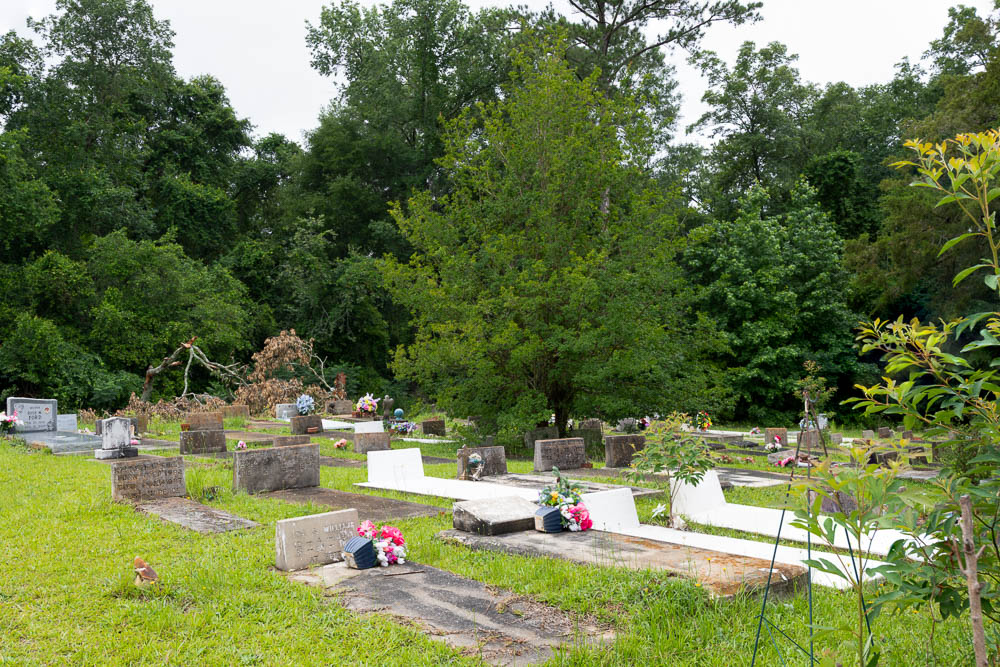
    Anyway all of the attached landscapes are the result of different focus stacking techniques. And a couple birds decided to come around as I was packing up, so I swapped lenses and got a couple nice shots. Apart from focus stacking all of these have not been further edited. These are strait out of the camera with auto level applied. To me auto levels isn’t editing, but opinions may vary. I may do some future edits and post them, at least that’s the plan. But my attention is so easily derailed who knows. But I see some pretty good potential images that I can do some interesting things with.

  • Look out there

    Look out there

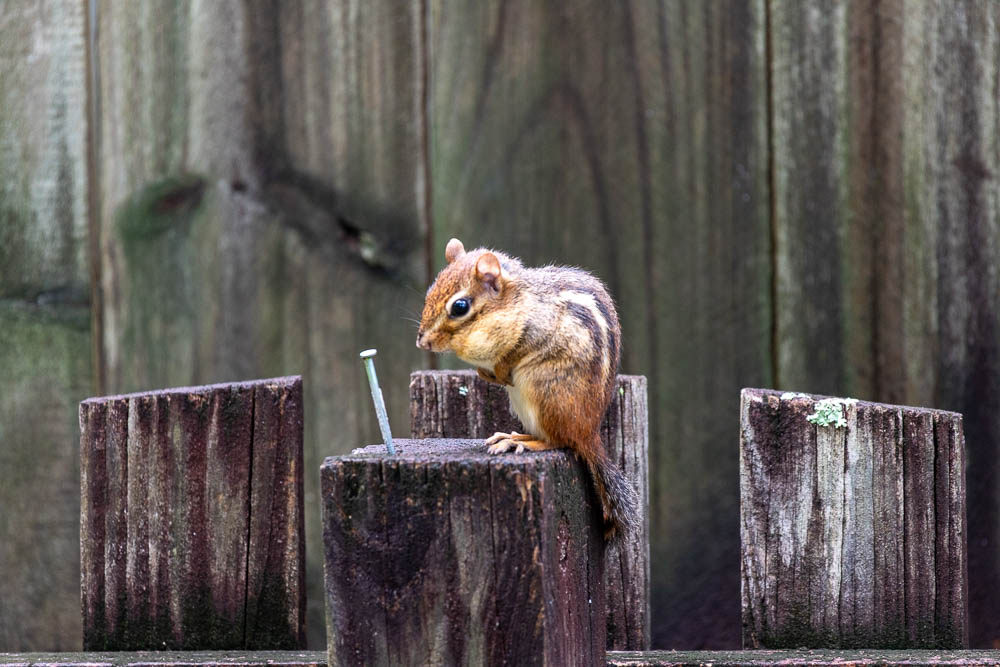
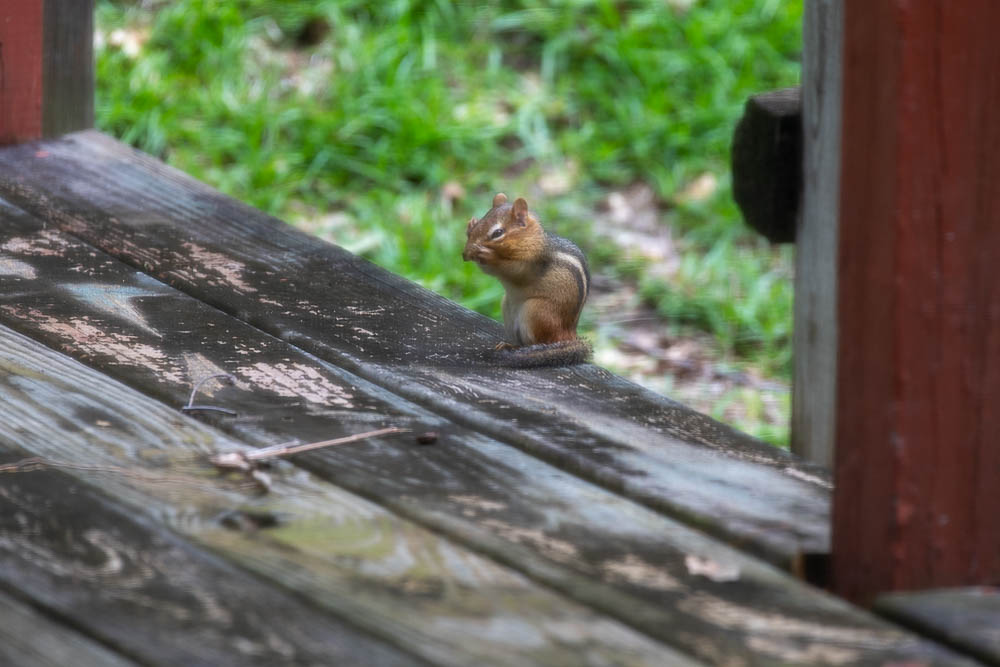
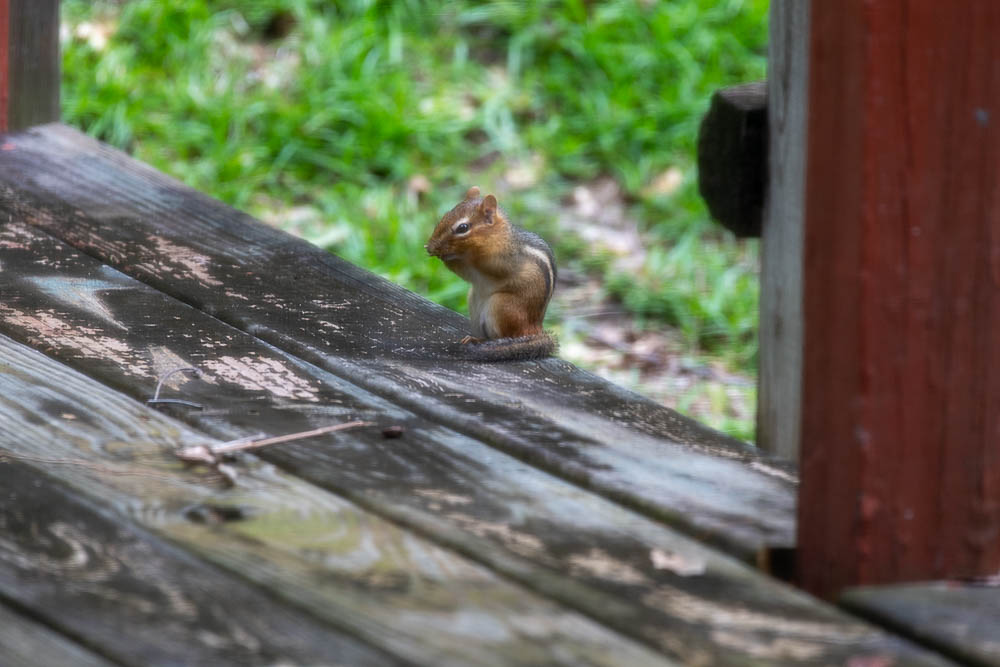
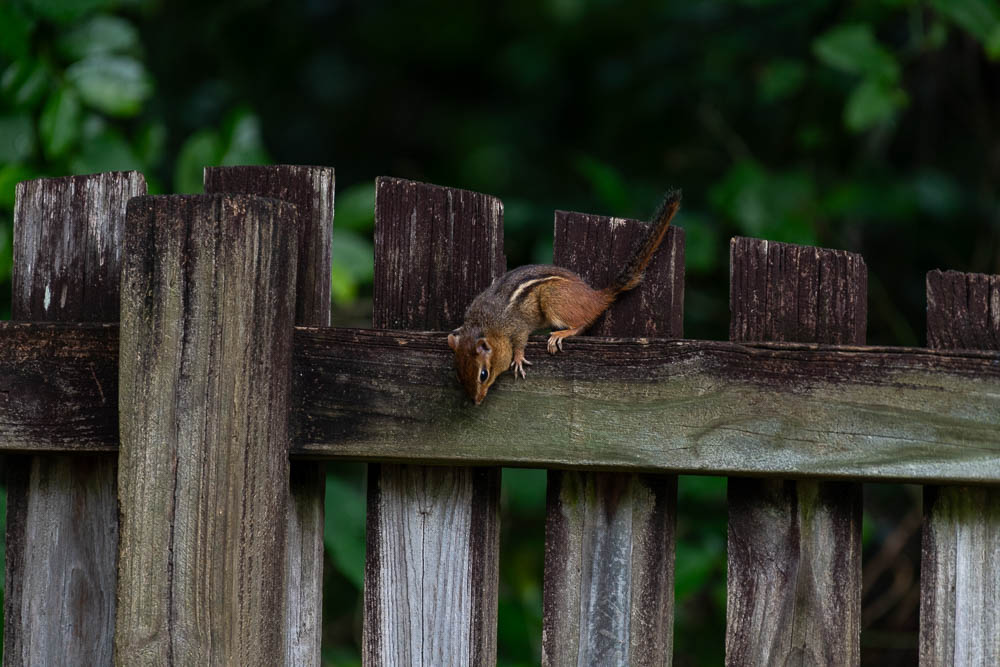
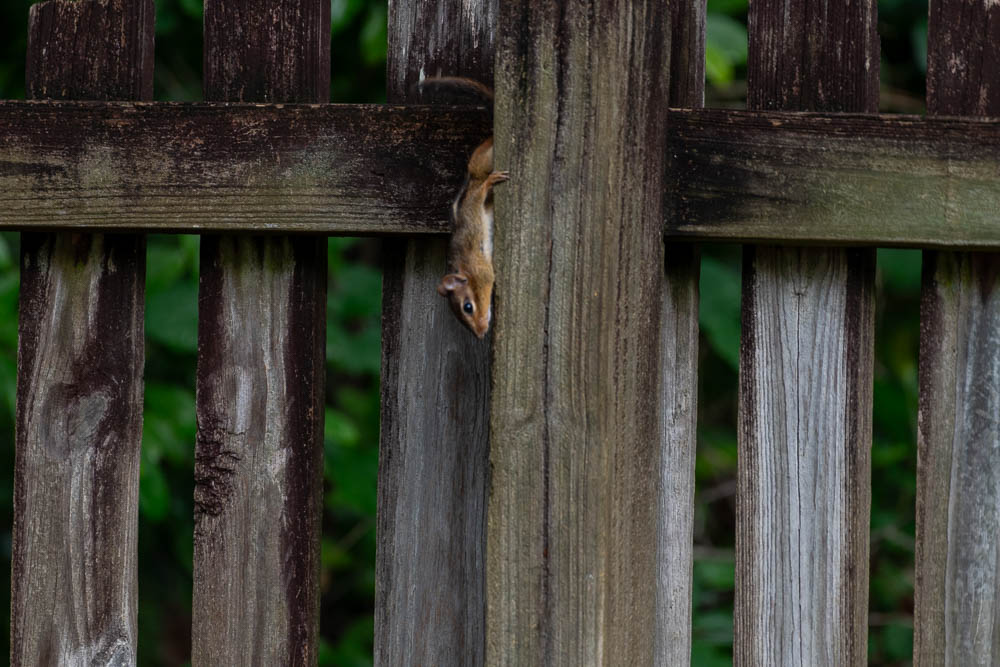
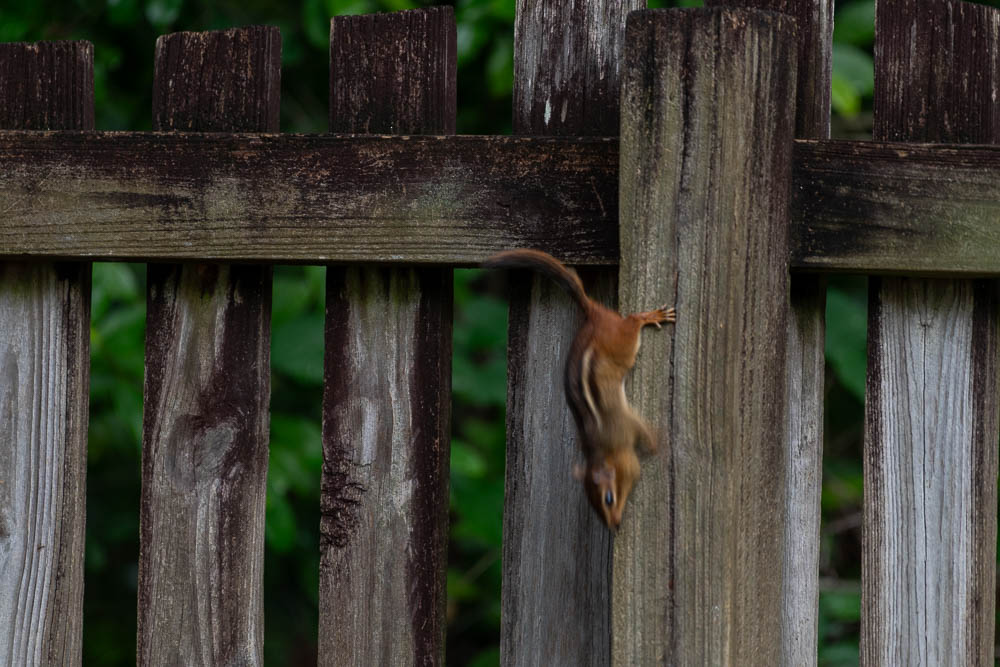
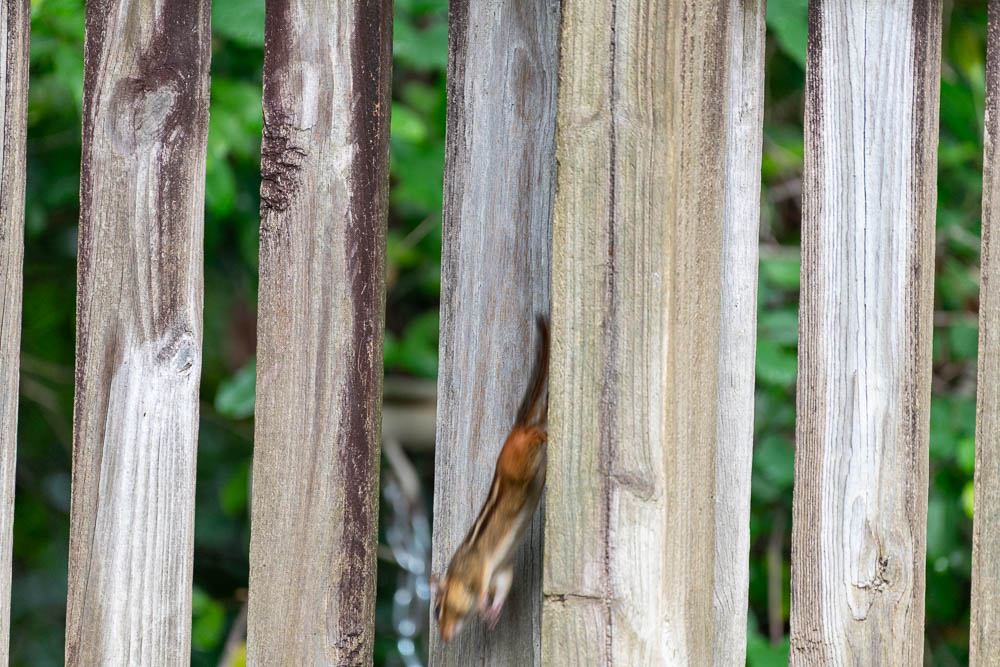
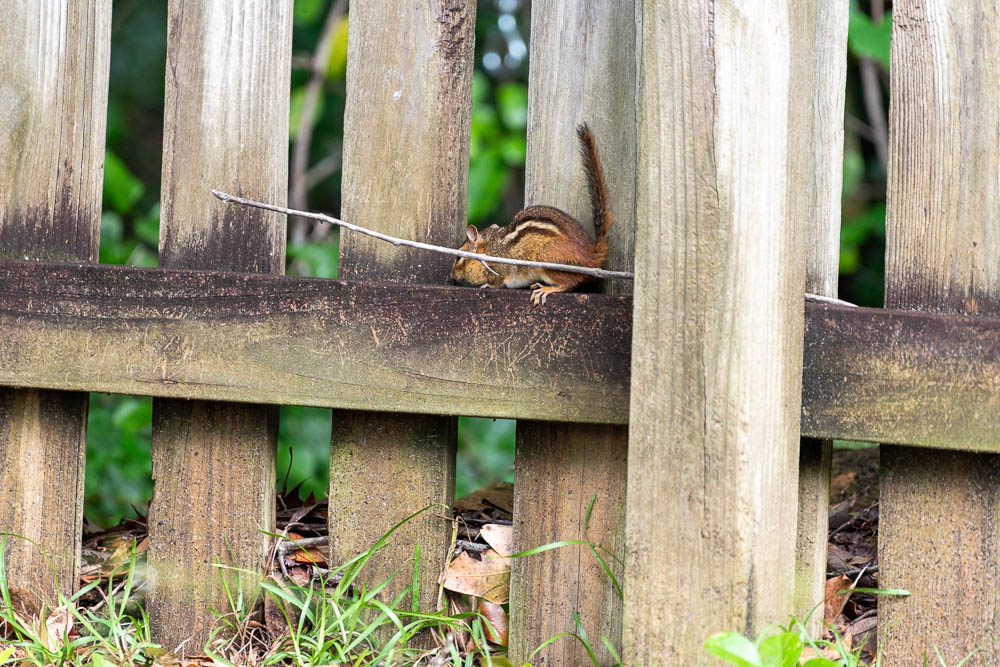
    I’ve got a couple little buddies that visit my little yard. One of them is this guy. This little chipmunk or one of his family I presume have been visiting for the last couple years. I don’t see it often but am glad when I do. I’m a little bit surprised, but heartened, that the occasional cat buddy coming have missed it so far.

    I was glad and lucky I got what I did with the little ‘munk. They are quite fast. I didn’t have the presence of mind to ramp up the shutter speed as much as I should have. That’s something I need to work on when focusing on animals. I was also lucky that it didn’t seem that terrified of me and while keeping its distance it didn’t altogether vanish right away as they are prone to do. I’ve missed a few opportunities to get shots of these critters because they don’t usually hang around long enough for me to get my rig and then go outside. Usually as soon as I open the door they are gone like the wind.

    I know it’s not all exotic, but I’ve always liked chipmunks. I suppose the childish Alvin and the chipmunks characters that were popular when I was a little kid play some role in that. They are also more rare than it’s cousin the squirrel which a majority of people around here consider a nuisance, rats with tails. I kinda like all these little critters really even rats to some degree. I wouldn’t want to share living space with any rats, but I really am fascinated by them, possibly because my Chinese zodiac is the year of the rat.

    I did some landscape shooting yesterday. I’m excited to start looking at and playing with it, and will do so as soon as I post this nugget. I did some experimenting with focus stacking that I think will turn out to be pretty cool. My old computer is going to be grinding its processor very soon on these bad boys. I look forward to getting them posted in the next day or two. I’m going to try to do something creative every day during this break. Even if it’s small I’ll either shoot or process/edit something, and maybe write a little. I hope to produce some good and interesting things.